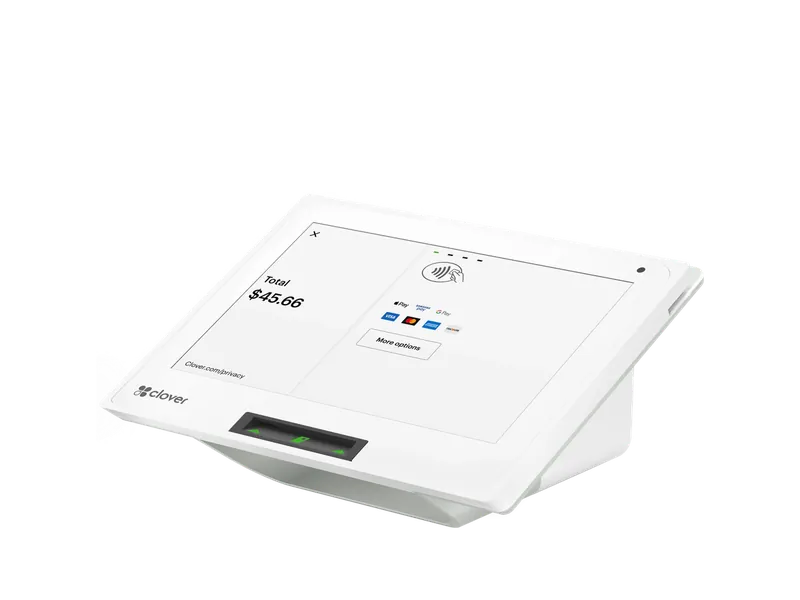
Countertop POS
Clover Mini
A compact countertop unit for a shop with one front desk, or a second checkout point where a full station will not fit.
Point of sale for salons and barbershops
Stratamize sets up Clover for salons and barbershops: checkout at the chair or the desk, tips by stylist, and the reports you need for commission.
About two minutes. Our team follows up.
Comparing Square? See Clover vs Square
What we set up
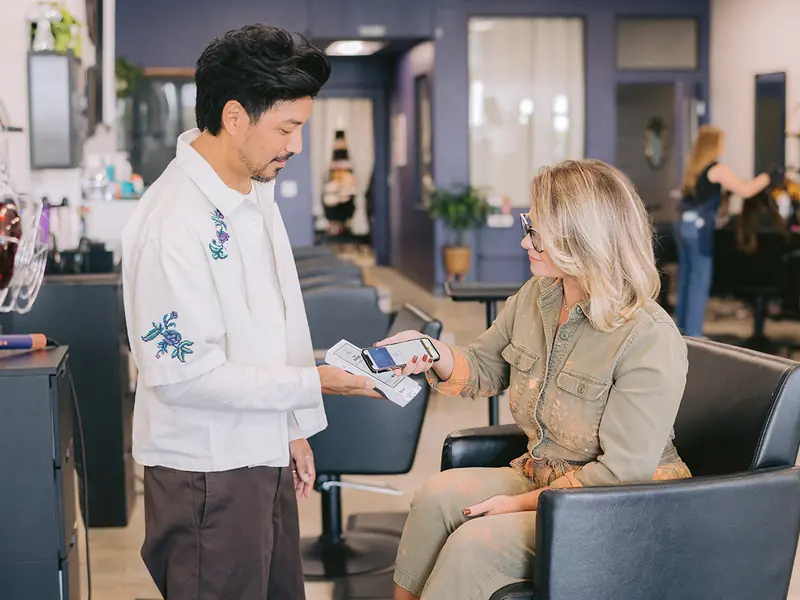
A salon or barbershop point of sale has to do three things at once: book the chair, check the client out with a tip, and keep track of what each stylist or barber earned. Clover handles the checkout, the tips, the employee profiles and the retail shelf well. Booking is where the conversation starts: Clover lists appointment management in one of its software plans, booking apps from its App Market are the other route, and that choice matters more than which device you buy.
Stratamize sets Clover up around how your shop runs: the merchant account, the service menu, employee profiles and permissions, tip prompts on the customer screen, the booking setup that fits your front desk, and the reporting you need to pay commission or collect booth rent. We quote the pricing before you commit, and our team is the first call afterward.
This page covers hair salons first, then barbershops. Nail salons and massage and spa businesses have their own pages. Where Clover needs an App Market add-on or a different device, we say so.
Where we set this up. Anywhere in the U.S., by phone: your devices are shipped to you ready to use and we train your staff on a call. In Coweta County and metro Atlanta our team installs on site, including Newnan and Peachtree City. See all service areas.
Recommended devices
Which devices, and how many, depends on your counter and your floor. We adjust it with you before you commit to anything.
Countertop POS
A compact countertop unit for a shop with one front desk, or a second checkout point where a full station will not fit.
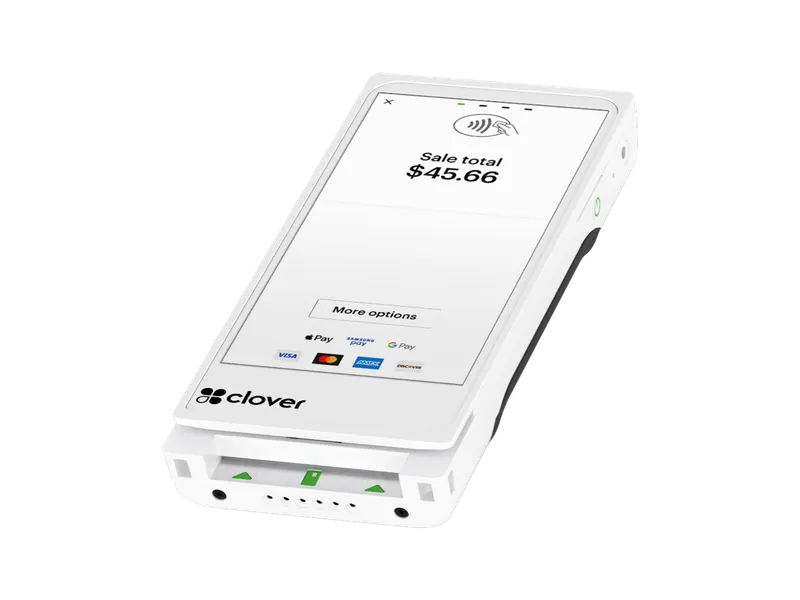
Handheld, no printer
The smaller handheld for chairside checkout without a full Flex. We check that it fits the way you book before you buy.
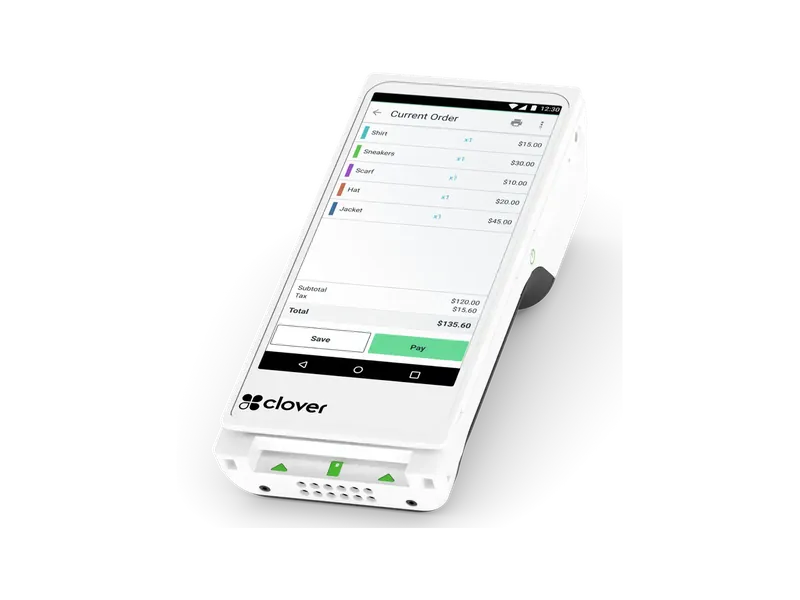
Handheld with printer
The handheld for checking clients out at the chair, and the device booth renters ask for when they want their own. We size it with you before you buy.
Dual-screen station
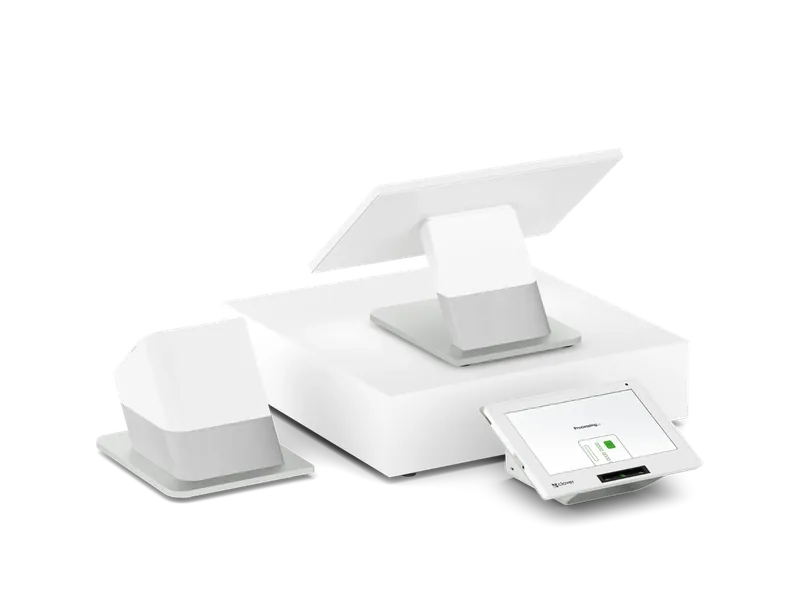
The front desk station with a customer-facing screen for tips and signatures. The usual choice for a multi-chair salon with a receptionist.
Mobile reader
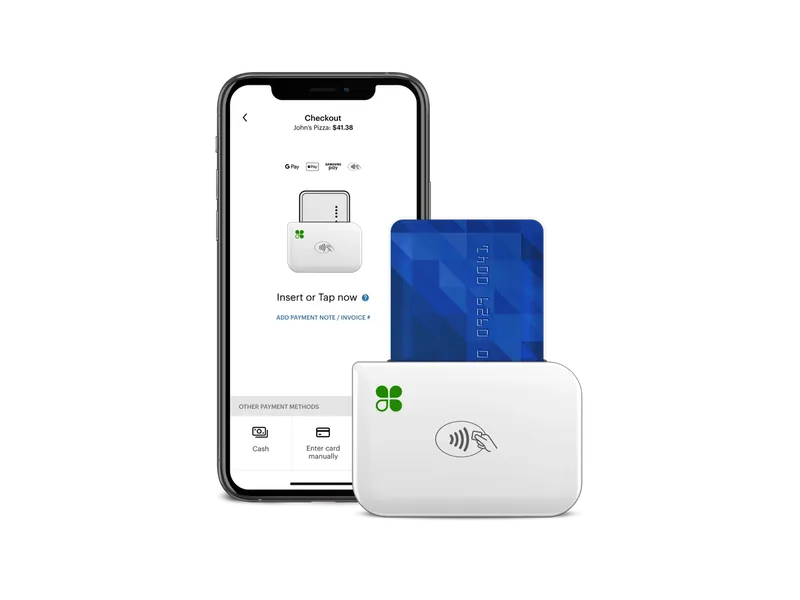
The card reader that pairs with a phone, for a chair renter on their own account or a mobile stylist. We check that it covers everything you need at the chair before you buy.
How it works
Answer a few questions and confirm your email, then finish a short checklist. It asks for your business details, never your customers’ card numbers.
Underwriting reviews your merchant account, and we keep you posted until it is decided.
After approval we set up your Clover, test a live sale and a refund, and train your staff.
Clover's personal services page lists appointment management with online customer booking as part of its Services Growth plan, and describes online booking with payment deposits. Its appointments page describes email reminders and a calendar you can sort by employee. Booking apps from the Clover App Market are the other route. The options differ in how they handle deposits, cards on file and no-show policies, and in which device they run on.
Tell us how you book today and how many chairs are on the book. We recommend the plan or one app, show it to you working, and put its cost before you sign.
Clover gives every stylist or barber a profile with their own permissions, and its reports break sales and tips down by employee. That is the raw material for commission. What Clover does not do natively is the payroll math itself: the split by service versus retail, or collecting booth rent from a renter. Shops handle that with the per-employee reports exported to payroll or a bookkeeper, or with an App Market app built for it. Bring your pay structure and we will show you which report produces the numbers you need and where an app earns its keep.
Clover supports pre-set tip prompts on the customer-facing screen, so the client picks an amount or enters their own while the stylist stays out of it. Tips are recorded against the employee who did the service and show up in the employee reports. Owners also ask us about same-day tip payout and about pooling versus keeping tips by chair; tell us how your shop handles tips and we will set the prompts and reporting to match.
It depends on where checkout happens. A shop with one front desk usually wants a Clover Mini on the counter: compact, with a screen the client can tip and sign on. A multi-chair salon with a busy desk tends toward the Clover Station Duo, which adds a dedicated customer-facing screen. If stylists check out their own clients at the chair, or booth renters want their own device, the Clover Flex is the handheld for that and the Clover Flex Pocket is the smaller option. It is often a desk device plus a handheld or two; we match the combination to your floor plan before you buy.
Barbershops ask us two things salons do not. First, how to run walk-ins alongside appointments; that comes down to the booking tool, so tell us whether your shop is mostly walk-in, mostly booked or both, and we will pick one that handles a queue. Second, how to handle chair renters who want to take their own payments. A renter can run their own merchant account on a Clover Go paired with their phone, or on a Flex, while the shop keeps its own register for retail and house barbers.
Retail on the shelf, pomade and product, sits in the same inventory as services, and per-barber tips and sales reports work as they do for a salon. The gaps competitors point at, booking and commission, are answered above.
Yes, and each has its own page. The nail salons page covers add-on pricing, walk-ins and tips by technician. The massage and spas page covers in-room checkout, cards on file and gift cards. This page stays with hair salons and barbershops.
Partly. The criticism is that booking and commission tracking are not as deep in Clover as in salon-first software. On booking, Clover lists appointment management with online booking in its Services Growth plan, with App Market booking apps as the alternative. On commission, Clover gives you sales and tips by employee, and the split is worked out in payroll or an app. What the criticism skips is the other side: the hardware, the customer-facing tip screen, retail inventory, gift cards and loyalty, and processing that sits with a team you can call. If your shop lives and dies by booking features alone, say so and we will tell you whether Clover gets you there.
Owners who ask us this are usually weighing Square's appointments and its entry cost. Clover lists appointment management with online booking in its Services Growth plan, so compare what each booking tool does for your shop, chair by chair, not only whether it is there. What you get with Clover set up by Stratamize is the hardware (supplied and billed by the processing partner), the customer-facing screen, retail inventory, employee permissions, pricing you see before you commit and a team that answers the phone. Apply and we quote on your actual volume, so you compare real numbers, not a generic comparison.
We set your pricing with you and quote it before you commit: processing rates, the software plan, any booking app and the equipment options from the processing partner. Nothing is added later that you did not see up front. A cash discount, 3.5% off for cash, is available if it fits your shop. After approval we build the service menu and employee profiles, set up booking, get the hardware running and train your front desk and your stylists. Apply and we quote the processing and the plan, with the equipment options from the processing partner.
Sources
Clover details come from Clover’s own pages, as of the date shown. Clover may change them.
Point of sale
We match the devices to how you sell, set them up with your merchant account and train your staff.