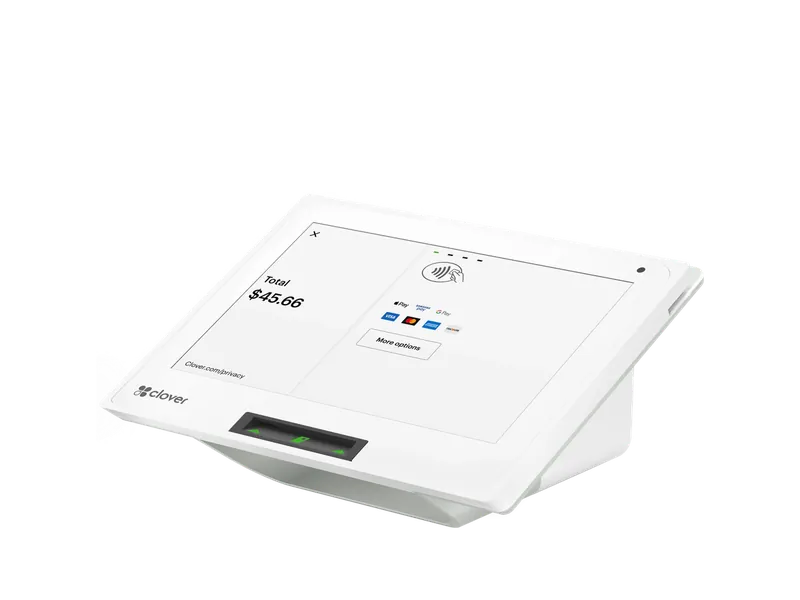
Countertop POS
Clover Mini
A full POS with a built-in printer for a small bakery counter.
Point of sale for bakeries
Stratamize sets up Clover for bakeries: items by the piece or the dozen, custom orders with notes, and a counter that keeps up with the morning rush.
About two minutes. Our team follows up.
What we set up
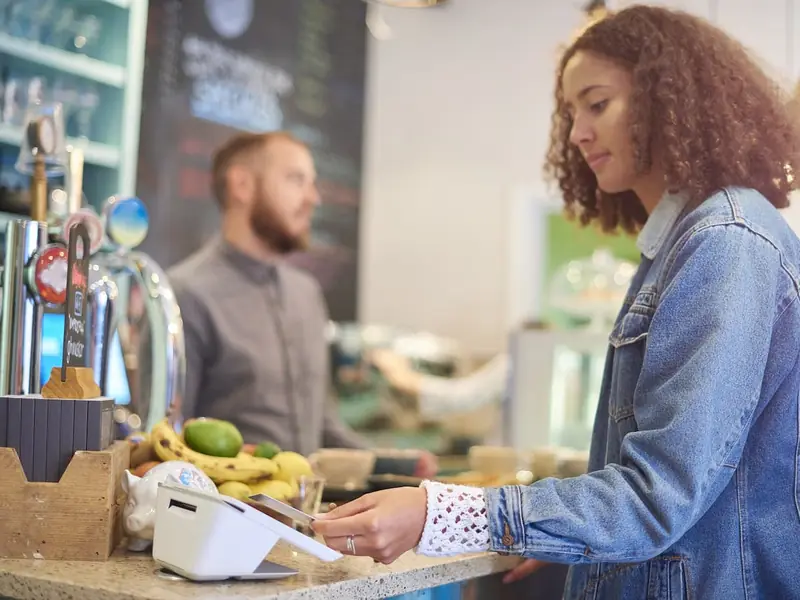
A bakery counter has a rush every morning and a case full of items that sell by the piece, the half dozen and the dozen. The register needs those buttons where your staff can reach them without thinking, and custom orders need a place to live until pickup day.
Stratamize sets Clover up for that: the case items with their quantity options, coffee and drinks if you serve them, custom orders with notes and deposits, kitchen tickets for anything made to order, and the merchant account it runs on. We set up the devices and train your staff before the rush.
To quote a bakery we need three things: what is in your case and roughly how many items, how many places you take payment (the counter, a second register, a market table), and a recent processing statement or, for a new shop, a guess at monthly card sales. Coffee shops have their own page; this one is for bakeries.
Where we set this up. Anywhere in the U.S., by phone: your devices are shipped to you ready to use and we train your staff on a call. In Coweta County and metro Atlanta our team installs on site, including Senoia. See all service areas.
Recommended devices
Which devices, and how many, depends on your counter and your floor. We adjust it with you before you commit to anything.
Countertop POS
A full POS with a built-in printer for a small bakery counter.
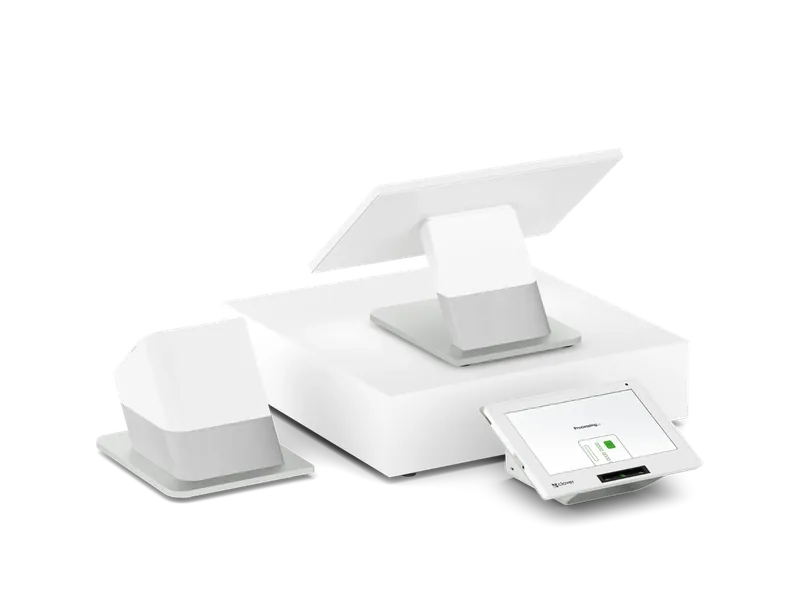
Dual-screen station
For a long morning line: customers tip and pay on a screen of their own.
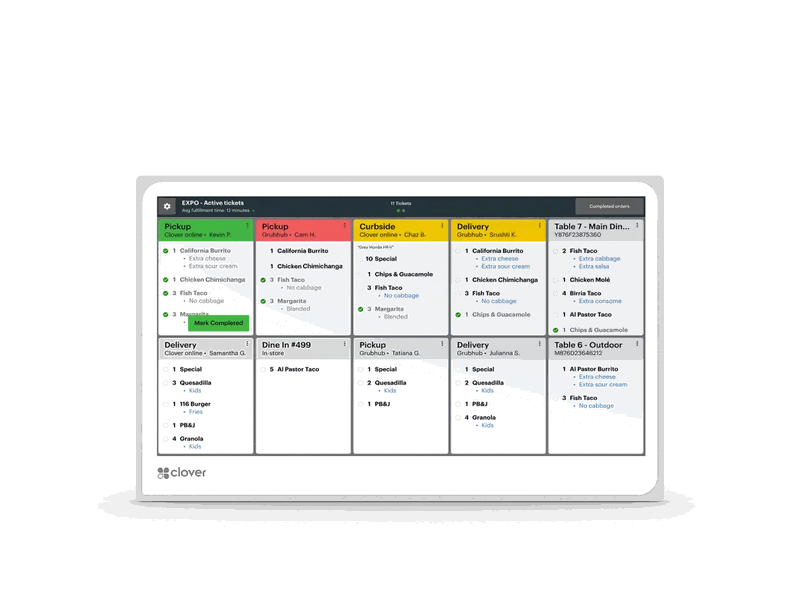
Kitchen screen
Made-to-order items on a screen in the kitchen instead of paper tickets.
How it works
Answer a few questions and confirm your email, then finish a short checklist. It asks for your business details, never your customers’ card numbers.
Underwriting reviews your merchant account, and we keep you posted until it is decided.
After approval we set up your Clover, test a live sale and a refund, and train your staff.
Yes. We set up each item with the quantity options you sell, such as a single, a half dozen and a dozen, each with its own price. Mixed boxes can be set up as one item with choices, so staff ring them up in one tap.
A custom order can be rung up with notes and a partial payment taken as a deposit, then closed when the customer picks it up. Tell us how you take custom orders today, including how you track pickup dates, and we will show you how that works on Clover before you commit.
Bakeries fall under quick-serve on the toolkit fit chart we use: a Clover Mini or a Station Duo at the counter. The Mini suits a small counter; the Duo gives customers their own screen to tip and pay, which helps when the line is long. A kitchen printer or Kitchen Display covers anything made to order.
Clover's bakery page describes online ordering for in-store pickup or curbside. Whether it fits your bakery depends on your menu and how far ahead you bake; we lay out the options and what each costs before you turn anything on.
Holidays need a plan of their own. Before the season we add the pies, trays and boxes as their own items, so pre-orders show up apart from everyday sales, and a pre-order taken at the counter carries the pickup date in its notes and a deposit or the full payment. Set a cutoff date and put it on your sign. If you need a hard limit on how many of one item can be ordered for a day, tell us early and we check whether item counts cover it or an App Market app is needed.
Yes. Clover's bakery page lists electronic invoices and payment requests sent by email, so a cafe with a standing order can be billed by invoice and pay by card without coming to your counter. Tell us how many wholesale accounts you have and how often you bill them. With a few accounts, invoices from Clover keep everything in one place. With many accounts on net terms, it can make more sense to keep billing in your accounting software and use Clover for the shop. We tell you which we would do, and why.
Yes. A Clover Flex is a handheld with its own receipt printer that runs on Wi-Fi or cellular service, and a Clover Go is a small reader that pairs with your phone. Either one rings sales into the same account as the shop, so a Saturday market is in the same reports as the counter. Clover's bakery page also describes an offline mode that takes payments without a connection and processes them once the device is back online. A card is not approved until then, so we go over the limits with you before your first market.
Yes. Clover's reporting page describes sales reports you can filter to see your busiest times and your best-selling items. For a bakery that is the number that decides tomorrow's bake: what sold, and by what hour it was gone. The report cannot know what went in the bin or home with staff. If you want waste on record, we set up a way to ring it out, such as a waste discount, so sold and unsold both show up.
Yes, for in-person sales. The prices on your board are the card prices, and customers who pay cash get 3.5% off for cash. Credit and debit customers pay the posted price, and nothing is added at the register. We set up the program and the signs.
After approval we build your case and drink menus, set up employees and tips, get the hardware running and train your staff. We run the morning rush with your team in practice before the first real one.
Sources
Clover details come from Clover’s own pages, as of the date shown. Clover may change them.
Point of sale
We match the devices to how you sell, set them up with your merchant account and train your staff.