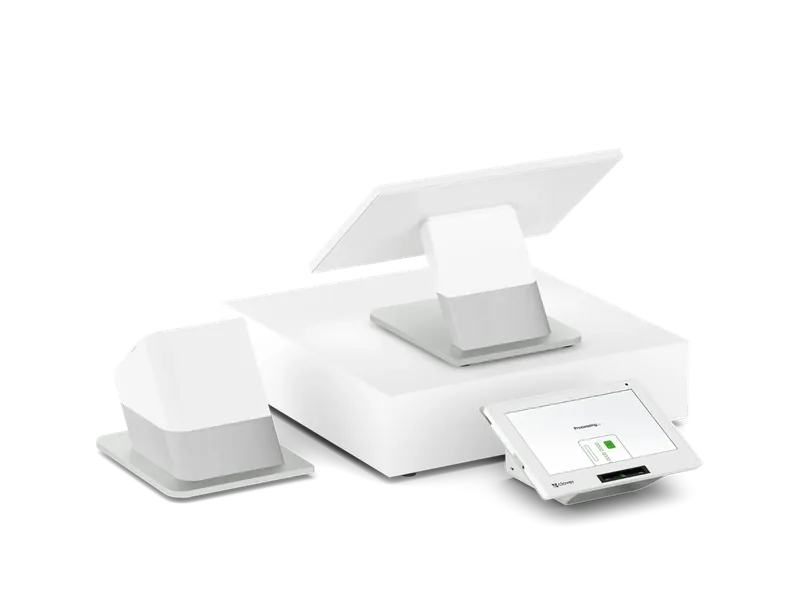
Dual-screen station
Clover Station Duo
Behind the bar: your staff work the 14-inch screen while the guest tips and pays on a screen of their own.
Clover POS by business type
Clover POS for bars and lounges, set up by Stratamize: tabs, quick drink buttons, handhelds for the floor, tips and the merchant account behind it.
Two-minute request. Our team in Newnan follows up.
Comparing Toast? See Clover vs Toast
Registered ISO · Office in Newnan, Georgia · Serving businesses nationwide
Your recommended setup
Which devices, and how many, depends on your counter and your floor. This is where most owners start; we adjust it with you before you buy anything.
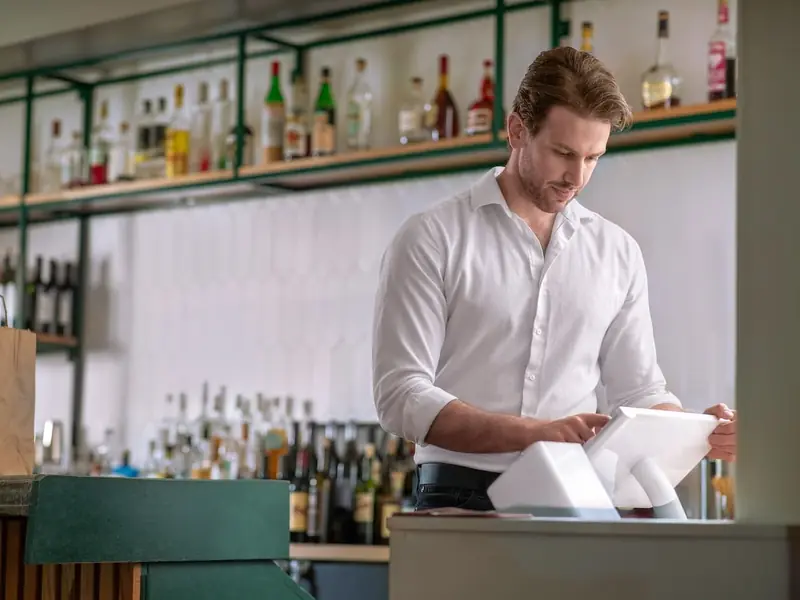
Dual-screen station
Behind the bar: your staff work the 14-inch screen while the guest tips and pays on a screen of their own.
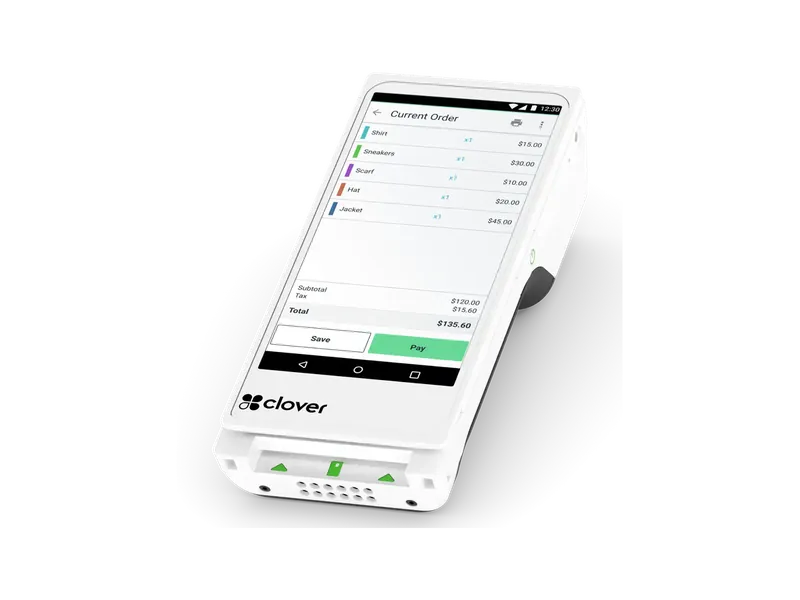
Handheld with printer
The handheld for the floor, the patio and the far end of the rail, with a printed receipt.
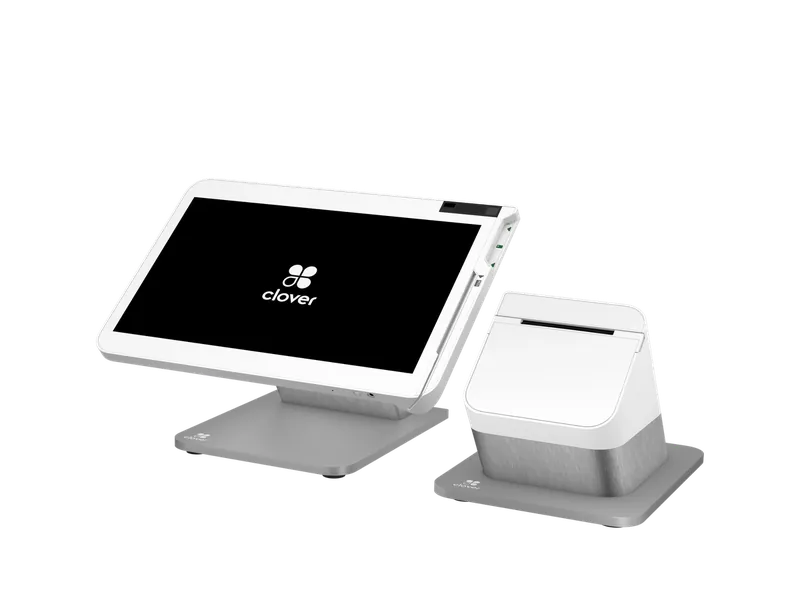
Full station
A big-screen station for a bar with table service, paired with a Flex where guests pay.
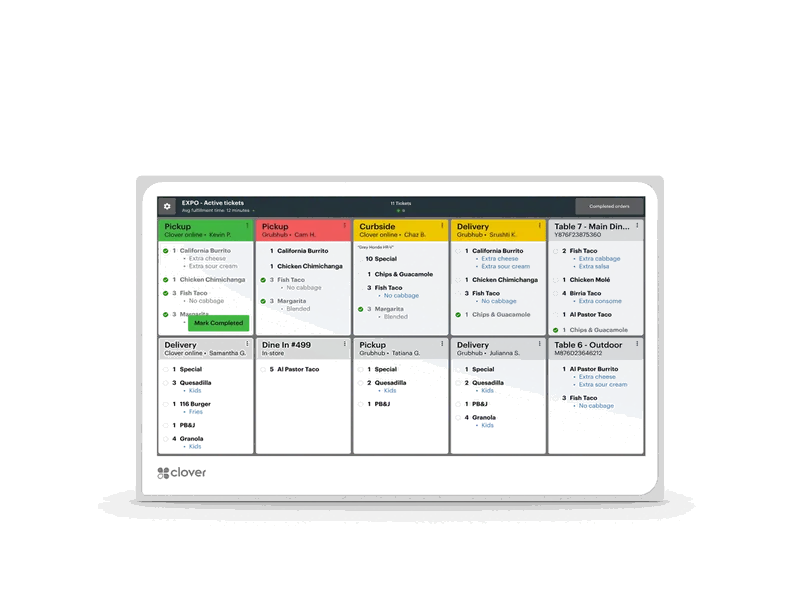
Kitchen screen
If you serve food: kitchen orders on a screen instead of paper tickets.
What we set up
Compare
| Feature | Clover Station Duo | Clover Flex | Clover Station Solo |
|---|---|---|---|
| Type | Dual-screen station | Handheld with printer | Full station |
| Best for | Busy counters, such as convenience stores, quick-serve and retail, where the customer pays and tips at the counter | Tableside payment with a paper receipt, delivery, events, curbside and any business that sells on the move | Full-service restaurants, retail and services that need a big screen for orders, inventory and reports |
| Screen | 14" staff screen, 8" customer screen | 6" | 14", tilting, 1920 x 1080 |
| Printer | Built-in receipt printer | Built-in thermal | Built-in |
| Payments | Chip, contactless and swipe; PIN on the customer screen | Chip with PIN and signature, contactless and swipe | Chip and swipe; pair a Mini or Flex for tap and PIN |
| Connectivity | Ethernet, Wi-Fi, 4G/LTE | 4G/LTE, Wi-Fi, Bluetooth | Ethernet, Wi-Fi, 4G/LTE |
We quote the Clover hardware, the monthly software plan and your processing together, before you sign. Customers who pay cash in person can get 3.5% off for cash if the program fits your business.
Clover for a bar
A bar register lives or dies on speed at the rail. Bartenders need the drinks they pour most on the first screen, tabs that open and close without a hunt, and tips that add up correctly at the end of the night. Clover handles that with a station behind the bar, a handheld for the floor or the patio, and a kitchen screen if you serve food.
Stratamize sets Clover up around how your bar runs: the drink menu with pours, mixers and modifiers, the tab and tip rules, employee permissions for voids and comps, the hardware behind the bar and on the floor, and the merchant account behind it all. We train your staff before your first busy night, not during it.
This page answers the questions bar owners ask us most. If you run a full kitchen with table service, the restaurant page covers the dining room side in more depth.
Yes. A tab can be opened on a card at the start and closed at the end, with the tip added when the guest signs or taps. How long a tab can stay open before it closes, and what happens to tabs left open at the end of the night, are settings we decide with you during setup so your closers are never guessing.
We lay out the drink menu the way your bar pours: the house drinks and the drafts on the first screen, then categories for spirits, cocktails and wine, with pours, mixers and add-ons as modifiers. A good layout is the difference between a fast rail and a line of guests waiting to pay, so we build it with your head bartender, not from a template.
Most bars start with a Clover Station Solo or Station Duo behind the bar. The Duo adds a screen that faces the guest for tips and PIN entry, which suits a bar where guests pay at the rail. A Clover Flex handheld covers the floor, the patio and the end of the bar that is far from the register.
If you serve food, a Clover Kitchen Display or a kitchen printer sends orders to the line. We size the setup to your busiest night, not your quietest.
Tips are recorded with each payment, so each bartender and server can see their tips at the end of the shift. Tell us how your house shares tips with barbacks, runners and the kitchen, and we will show you how that routine works on the Clover setup we propose before you commit to it.
Yes. Clover uses employee logins with roles and permissions, so you decide who can void an item, comp a drink or apply a discount, and the reports show who did what. Setting those roles up correctly is part of our install.
Yes, for in-person sales. With the cash discount program, the prices on your menu are the card prices, and guests who pay cash get 3.5% off for cash. Credit and debit guests pay the posted price, and nothing is added at the register. We set up the program and the signs for your entrance and your bar.
After approval we build the drink and food menus with you, set up employees, tabs and tips, place the hardware and train your staff. We test a full tab from open to close, including a split, before your first service.
Tell us about your bar and we will recommend the devices and the plan, quoted with your processing. Our team is based in Newnan, Georgia, and we work with businesses nationwide.
Approvals usually come back within hours, three days at most.
Book a call with our team