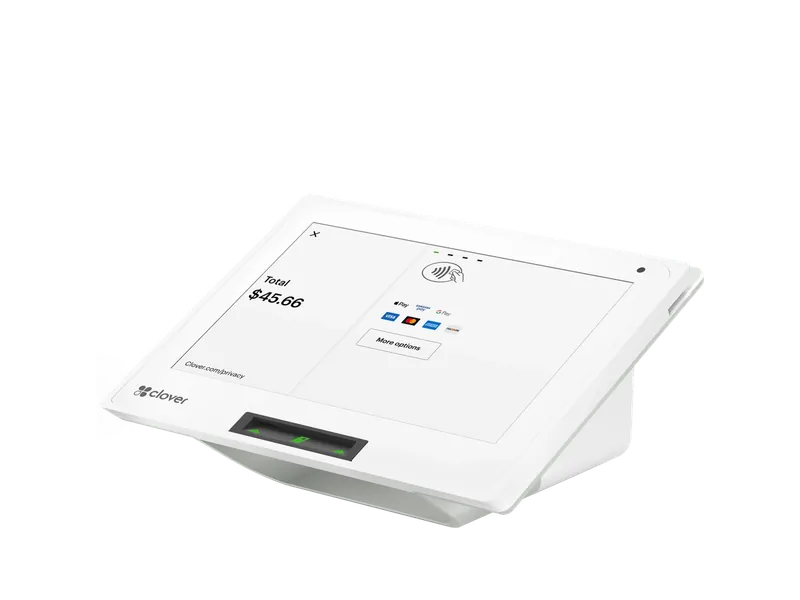
Countertop POS
Clover Mini
The usual starting point for a smaller counter: an 8-inch screen and a built-in printer in a small footprint.
Clover POS by business type
Clover POS for retail stores, set up by Stratamize: inventory with sizes and colors, barcode scanning, label printing, returns and the merchant account.
Two-minute request. Our team in Newnan follows up.
Comparing Square? See Clover vs Square
Registered ISO · Office in Newnan, Georgia · Serving businesses nationwide
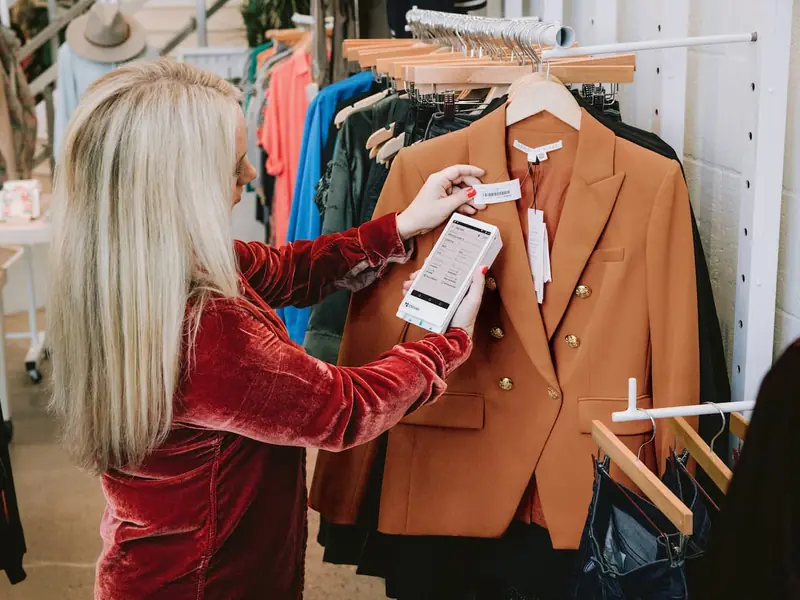
Your recommended setup
Which devices, and how many, depends on your counter and your floor. This is where most owners start; we adjust it with you before you buy anything.
Countertop POS
The usual starting point for a smaller counter: an 8-inch screen and a built-in printer in a small footprint.
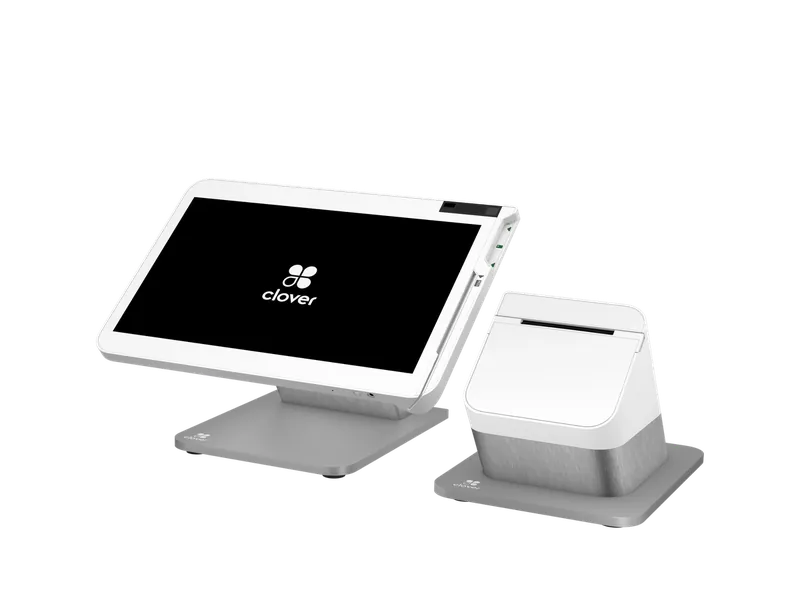
Full station
A 14-inch station for a larger catalog; customers pay on a paired Mini or Flex.
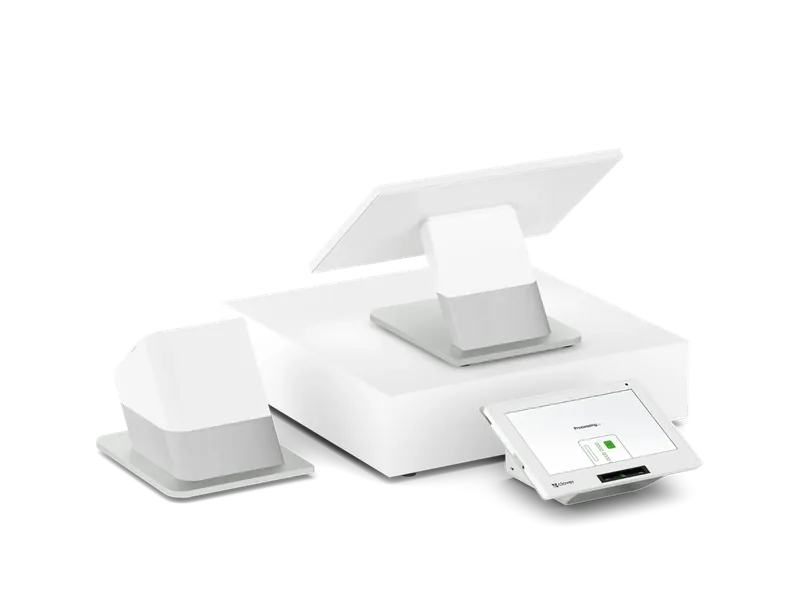
Dual-screen station
For a busy counter where customers watch every item scan and pay on their own screen.
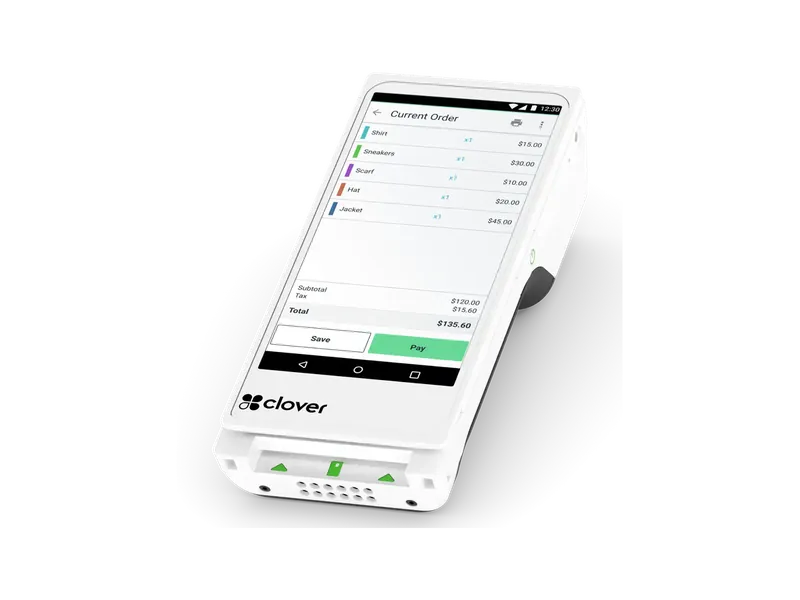
Handheld with printer
A handheld to ring up customers on the floor when a line builds.
What we set up
Compare
| Feature | Clover Mini | Clover Station Solo | Clover Station Duo |
|---|---|---|---|
| Type | Countertop POS | Full station | Dual-screen station |
| Best for | Quick-serve, coffee, convenience, salons and small retail that want a real POS in a small footprint | Full-service restaurants, retail and services that need a big screen for orders, inventory and reports | Busy counters, such as convenience stores, quick-serve and retail, where the customer pays and tips at the counter |
| Screen | 8" | 14", tilting, 1920 x 1080 | 14" staff screen, 8" customer screen |
| Printer | Built-in thermal | Built-in | Built-in receipt printer |
| Payments | Chip, contactless and swipe | Chip and swipe; pair a Mini or Flex for tap and PIN | Chip, contactless and swipe; PIN on the customer screen |
| Connectivity | Ethernet, Wi-Fi, 4G/LTE | Ethernet, Wi-Fi, 4G/LTE | Ethernet, Wi-Fi, 4G/LTE |
We quote the Clover hardware, the monthly software plan and your processing together, before you sign. Customers who pay cash in person can get 3.5% off for cash if the program fits your business.
Clover for a retail store
A retail point of sale has two jobs: ring up a sale fast, and keep the count of what is on your shelves honest. Clover does both. Items carry variants such as size and color, a barcode scanner rings them up, and the dashboard shows what sold and what is running low.
Stratamize sets Clover up around your store: we load your catalog with its variants and barcodes, set up a label printer for items that arrive without one, set your return and exchange rules, and choose the devices that fit your counter and your floor. The merchant account behind it is part of the same setup, with one team to call.
This page covers general retail. Boutiques, convenience stores, liquor stores and smoke and vape shops have their own pages, linked below.
Yes. Clover items can carry variants, so a shirt in four sizes and three colors is one item with its own count for each combination. We load your catalog with the variants you stock, and we show you how to receive new stock so the counts stay right.
Most stores start on a Clover Mini or a Station Solo, according to the toolkit fit chart we use. The Mini suits a smaller counter. The Station Solo gives a larger screen for a bigger catalog, and customers pay on a paired Mini or Flex.
A busy counter where customers watch each item scan often moves to a Station Duo. A Flex lets staff ring up a customer on the floor when a line builds.
If your products arrive with barcodes, a scanner makes checkout faster and keeps counts accurate. If they do not, a label printer lets you print your own barcode labels. Both are add-ons we quote with your order and set up during the install.
Clover can refund a sale in full or in part, back to the card or as cash, and an exchange can be rung up as a return and a new sale. Tell us your return policy and we set the permissions so only the staff you choose can process refunds.
Clover keeps customer information and purchase history, and Clover's own sales sheet for the Mini lists a built-in rewards feature for loyalty. We set up the customer and rewards options you want to use, and leave off the ones you do not.
Yes, for in-person sales. Your shelf prices are the card prices, and customers who pay cash get 3.5% off for cash. Credit and debit customers pay the posted price, and nothing is added at the register. We set up the program and give you the signs for your entrance and registers.
After approval the biggest job is the catalog. A store with a few hundred items is quick; a store with thousands of variants takes longer, and we plan the import with you so your counts are right on opening day.
Tell us about your retail store and we will recommend the devices and the plan, quoted with your processing. Our team is based in Newnan, Georgia, and we work with businesses nationwide.
Approvals usually come back within hours, three days at most.
Book a call with our team