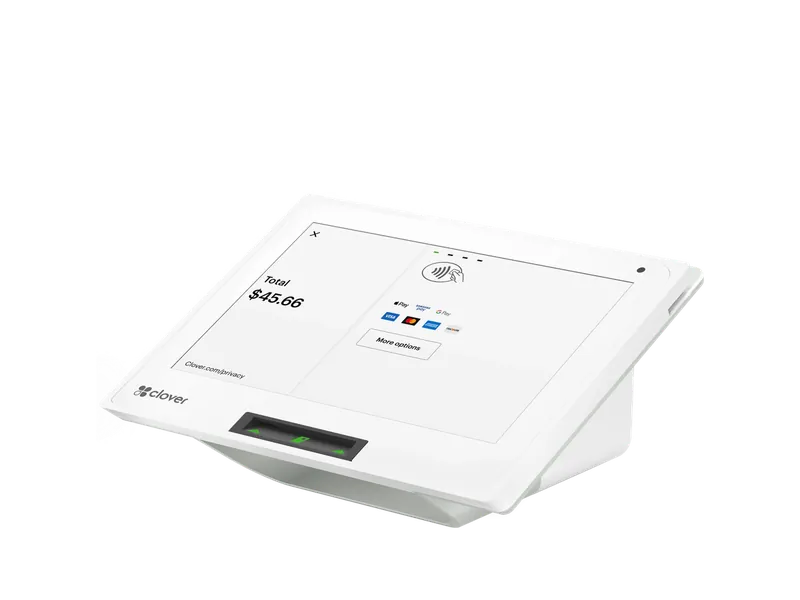
Countertop POS
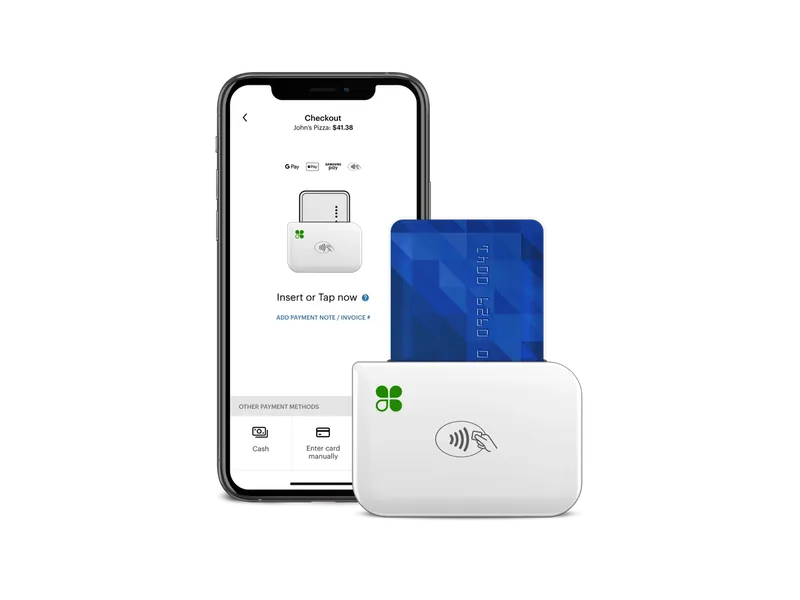
Clover Mini
A compact countertop unit for a one-bay shop or a second pay point where a full station will not fit.
Point of sale for auto repair shops
Stratamize sets up Clover for auto repair shops: a station at the service desk, a handheld in the bay, and invoices and deposits for the bigger jobs.
About two minutes. Our team follows up.
What we set up
An auto repair shop does not ring up a sale the way a store does. A job starts as an estimate, grows on the lift, may need a deposit before parts are ordered and ends as an invoice large enough that how the card is processed changes what you keep. Clover handles that payment side well: a counter station with a customer-facing screen, a handheld that walks out to the bay, email invoicing, installment options and a QuickBooks connection.
What Clover does not do on its own is run the shop. Work orders, vehicle history by VIN or plate, labor guides and parts catalogs live in shop-management software. Stratamize sets Clover up around the way your counter and your bays actually work, quotes the pricing before you commit and stays on as the first call afterward.
Where we set this up. Anywhere in the U.S., by phone: your devices are shipped to you ready to use and we train your staff on a call. In Coweta County and metro Atlanta our team installs on site, including Newnan and Sharpsburg. See all service areas.
Recommended devices
Which devices, and how many, depends on your counter and your floor. We adjust it with you before you commit to anything.
Countertop POS
A compact countertop unit for a one-bay shop or a second pay point where a full station will not fit.
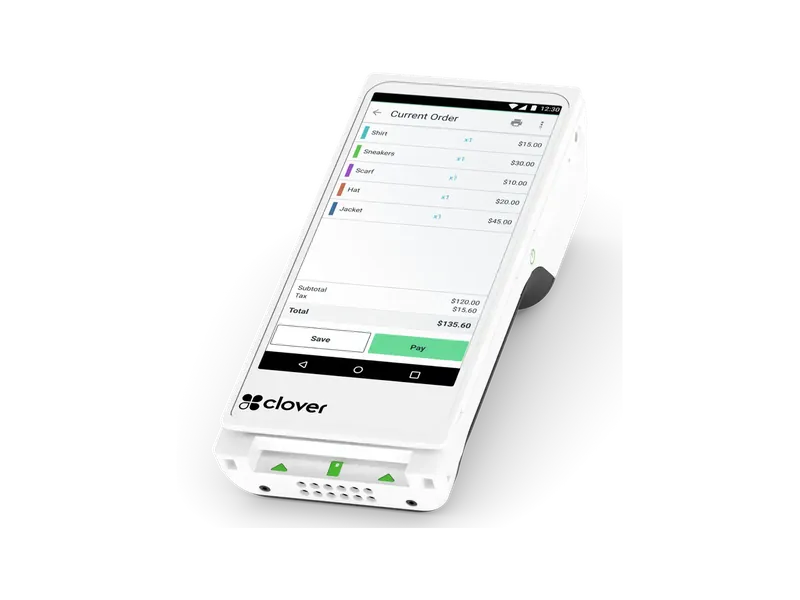
Handheld with printer
The handheld with a battery and built-in printer, for taking deposits at the car and closing out customers at the bay door. We size it with you before you buy.
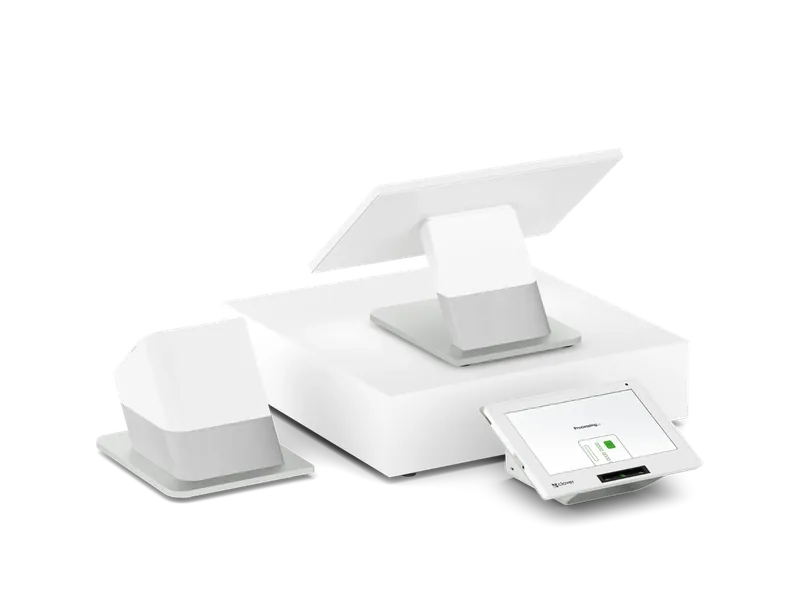
Dual-screen station
The service-counter station with a customer-facing screen for reviewing the ticket, signing and paying. The usual choice for the writer's desk.
Mobile reader
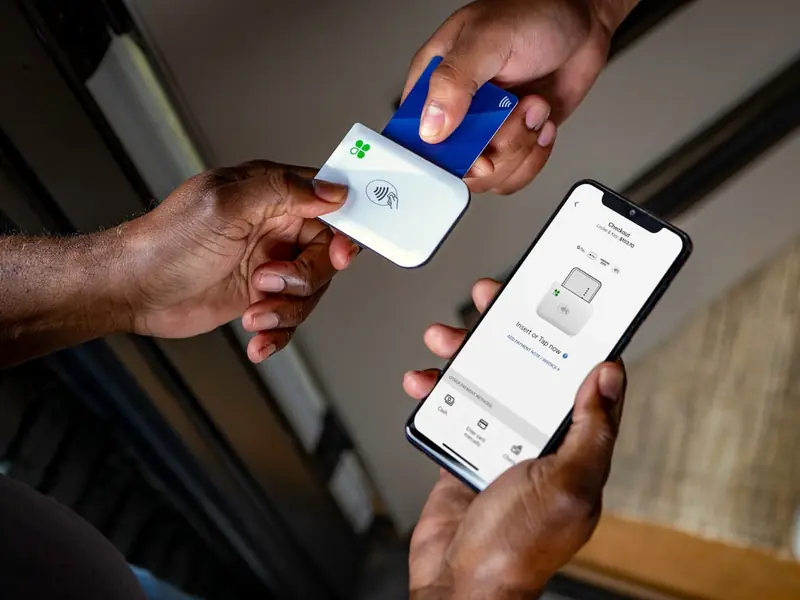
The reader that pairs with a phone, for a mobile mechanic who works in the customer's driveway and has no counter at all.
How it works
Answer a few questions and confirm your email, then finish a short checklist. It asks for your business details, never your customers’ card numbers.
Underwriting reviews your merchant account, and we keep you posted until it is decided.
After approval we set up your Clover, test a live sale and a refund, and train your staff.
The pairing we recommend most often is a Clover Station Duo at the service desk and a Clover Flex for the shop floor. The Station Duo gives the customer a screen of their own to review the ticket and sign while the writer works on the other side. The Flex is the handheld, battery powered with a built-in printer, for taking a deposit at the car or closing out a customer at the bay door.
A one-bay shop can start on a Clover Mini or a Flex alone and add the station later. A mobile mechanic with no counter should look at the Clover Go, which pairs with a phone. Tell us how many writers are on at once and where customers pay, and we will size the setup to that.
Clover's own automotive material centers on three things a repair shop needs on the payment side: sending an invoice by email so the customer can pay before they come for the keys, taking a deposit up front on a larger job and offering installment or recurring payment options when a ticket is bigger than the customer wants to pay at once. A deposit approved over the phone can be keyed through Clover's Virtual Terminal.
The estimate itself, with its changes as the job grows, is usually written in your shop-management software, not in Clover. The practical flow is: approve the estimate in the shop system, take the deposit on Clover, finish the work, then collect the balance on Clover at the counter, at the car or by emailed invoice.
No, not natively, and we will not pretend otherwise. Clover is a point of sale and payment platform. Work orders, service history by VIN or plate, labor guides, parts lookups and technician time live in shop-management software such as Tekmetric, Shopmonkey, Shop-Ware, AutoLeap or Mitchell 1. We have not found a Clover App Market app that replaces a true work-order system for mechanics.
The usual setup for most shops is Clover for payments and the counter, paired with the shop system you already run. Bring us the name of that system and we will tell you what the pairing means for your pricing and your bookkeeping before you decide.
Clover's native invoicing sends the invoice by email. Text-to-pay, which some shop-management platforms advertise, is not a native Clover feature as far as the research behind this page could confirm. If a text link matters to how your shop collects, the answer may be an App Market invoicing app, a feature of the shop software you pair with Clover, or the email invoice plus a phone call. We would rather confirm it for your setup than promise it here.
Because your tickets are large. A brake job or a transmission repair is a single card payment many times the size of a retail sale, and the difference between a flat rate and interchange-plus pricing, where you pay the card network's actual cost plus a fixed markup, shows up on every one of those tickets. On small tickets the two models can look alike; on big ones they do not.
We set your pricing with you and quote it before you sign, including the processing rates and the software plan, with the equipment options from the processing partner. A cash discount, 3.5% off for cash, is available if it fits your shop, set up so the posted pricing and the receipt both follow the rules. Apply and we quote the processing and the plan, with the equipment options from the processing partner.
Owners ask because some reseller sites raise it to sell a more expensive account. Tell us exactly what the shop does: general repair, tires, towing, used car sales, warranty work or custom builds, because underwriting looks at the mix, not the sign over the door. We will tell you before you apply how your shop is viewed and what the pricing looks like.
Clover's own guidance for auto repair shops points to a few categories from the Clover App Market: an invoicing app such as Easy Invoice, an inventory app such as SKU IQ for keeping parts counts straight, and a loyalty app such as Loyalzoo for bringing customers back for the next oil change. QuickBooks sync is the connection owners ask about most and the one Clover itself leads with for auto repair bookkeeping. Apps carry their own monthly fees, which we list alongside the rest of the pricing rather than leaving you to find them after go-live.
Here is how the two compare for this trade. Both are capable payment platforms and neither is a shop-management system, so the work-order question is a draw: either way you pair the point of sale with shop software. The real differences are the hardware, the fee model and who sets it up and answers the phone. Through Stratamize, Clover comes with pricing set for your ticket size rather than one published flat rate. If your average ticket is large and your volume is steady, apply for a quote and compare the two on your own numbers. That, not a feature list, decides it for most shops.
A shop in a metal building with a weak signal cannot afford a dead counter. Rather than quote a spec we have not verified for your devices, we settle this with you during setup: which Clover devices you run, whether they connect over wifi, ethernet or cellular, and what happens to a payment taken while the connection is down. We give you the answer for the exact hardware we propose.
Point of sale
We match the devices to how you sell, set them up with your merchant account and train your staff.