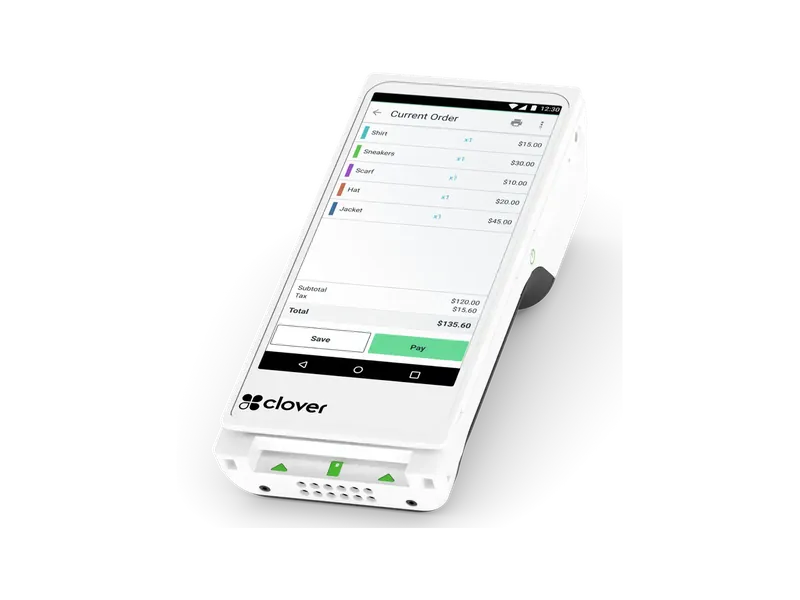
Handheld with printer
Clover Flex
The handheld most trucks land on: its own screen, battery, built-in receipt printer and a cellular connection, so it does not depend on a phone hotspot.
Point of sale for food trucks
Stratamize sets up Clover for food trucks: the right handheld for your window, a menu that rings fast and settings that keep you selling on a weak signal.
About two minutes. Our team follows up.
What we set up
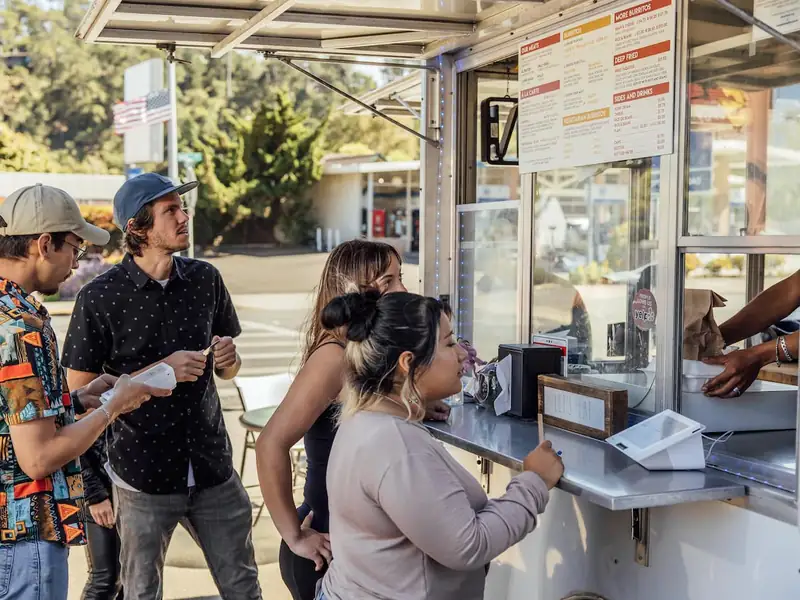
A food truck point of sale lives a harder life than a counter register: it runs on a battery, leans on a cellular signal that drops in a festival field, and has to take an order, a card and a tip before the next person steps up. Clover has more than one device that fits that job, and picking the wrong one is the most common mistake we see trucks make.
Stratamize sets Clover up around your truck: the merchant account, the handheld or reader that matches how you serve, the menu you swap when the special changes, order-ahead if your plan calls for it, and the training so whoever is on the window can run it. We quote the pricing before you commit, and our team is the first call when the signal drops on a Saturday.
Where we set this up. Anywhere in the U.S., by phone: your devices are shipped to you ready to use and we train your staff on a call. In Coweta County and metro Atlanta our team installs on site, including Atlanta. See all service areas.
Recommended devices
Which devices, and how many, depends on your counter and your floor. We adjust it with you before you commit to anything.
Handheld with printer
The handheld most trucks land on: its own screen, battery, built-in receipt printer and a cellular connection, so it does not depend on a phone hotspot.
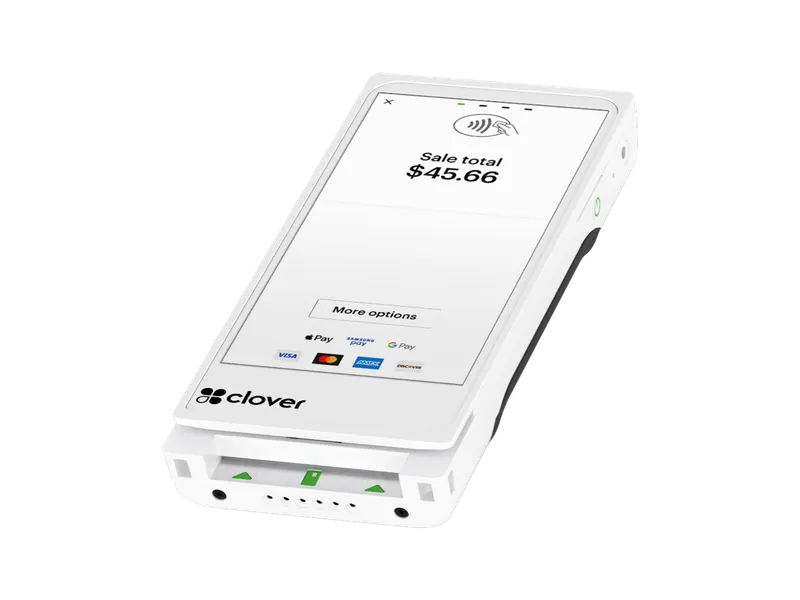
Handheld, no printer
The slimmer Flex without the built-in printer, for a truck that sends receipts by text or email. We go over its connectivity with you before you choose it over the Flex.
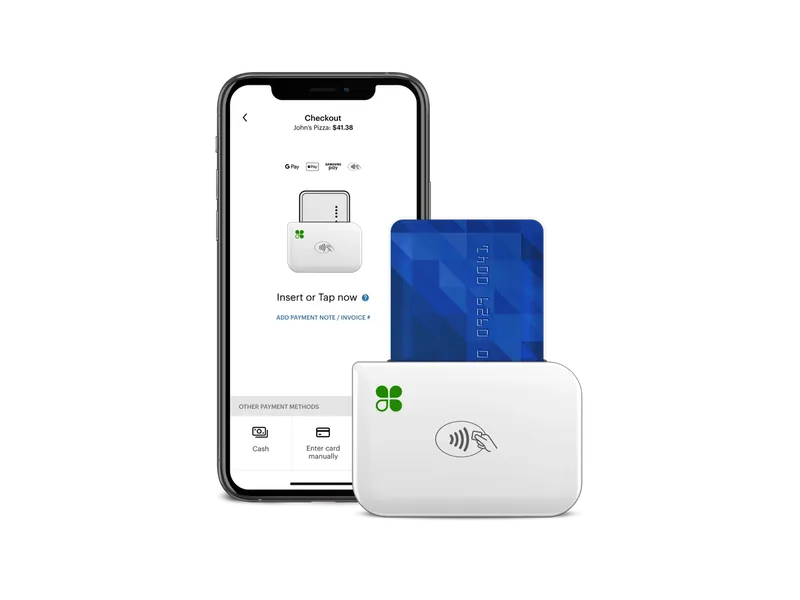
Mobile reader
A card reader that pairs with your phone or tablet, for a cart or a light day; it depends on the phone for its screen and its signal.
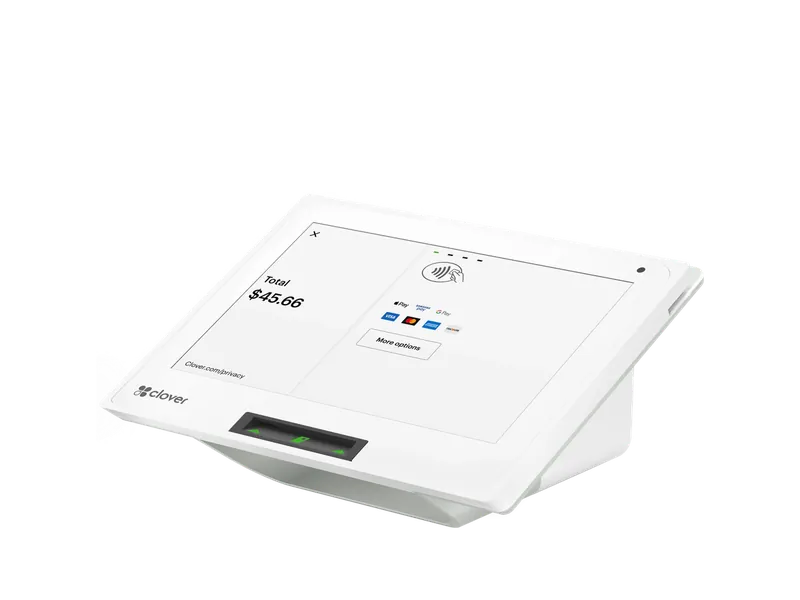
Countertop POS
A compact countertop unit for a truck with a real counter and power at the window. It depends on Wi-Fi or a hotspot; we check whether that works where you serve.
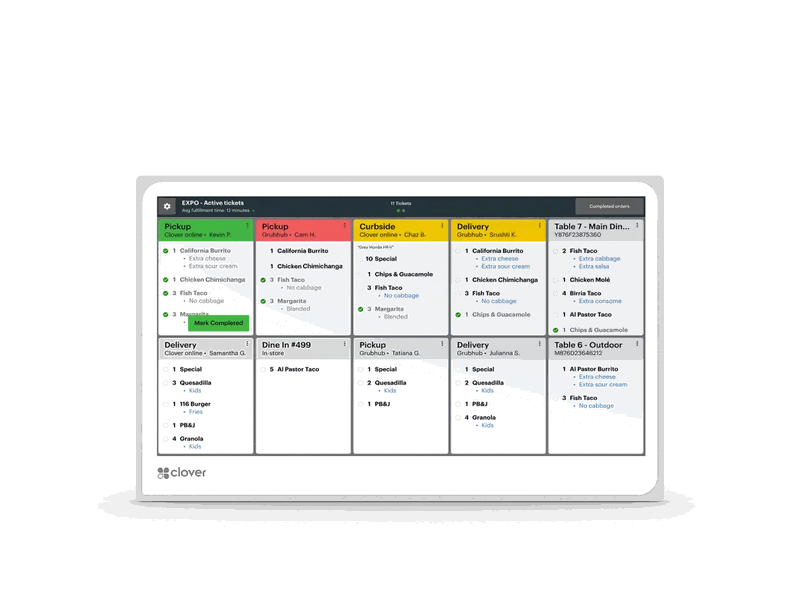
Kitchen screen
The dedicated kitchen screen for a truck with more than one cook. An App Market display on a tablet may do the job instead; we tell you which fits.
How it works
Answer a few questions and confirm your email, then finish a short checklist. It asks for your business details, never your customers’ card numbers.
Underwriting reviews your merchant account, and we keep you posted until it is decided.
After approval we set up your Clover, test a live sale and a refund, and train your staff.
The Clover Go is a card reader that pairs with a phone or tablet; it is the smallest way to take cards, and it depends on that phone for its screen and its signal. The Clover Flex is a handheld with its own screen, battery, built-in receipt printer and cellular connection; it takes the order, the payment and the tip prompt with no phone in the loop. The Clover Flex Pocket is the slimmer Flex without the printer, for trucks that text or email receipts. The Clover Mini is a compact countertop unit for a truck with a real counter and power at the window.
Most trucks we talk to land on the Flex, because the printer and the cellular connection remove two things that can fail at a festival. A single-operator cart can do fine on a Go. Tell us how you serve and we will say which one and why.
The Clover Flex connects over cellular as well as Wi-Fi, so it does not depend on your phone's hotspot the way a Go or a Mini does. When there is no signal at all, Clover devices can be set to accept a card offline and send the transaction when the connection comes back.
Know this first: an offline sale is not authorized at the moment you take it. If that card turns out to be declined, you find out when the sale syncs, not at the window. We set the offline limits with you so the exposure matches what one order on your truck is worth, and we talk through whether the spots you work have the coverage to lean on cellular at all.
Clover sells its restaurant software in tiers, and online ordering for order-ahead sits in the higher Restaurant Growth tier rather than in Essentials. The usual surprise: a truck signs up for the entry plan, then wants customers to order from a link before they walk up, and finds the feature is not there. Telling people where you are parked today is a marketing job the truck's social accounts and that ordering link do together. If you only take orders at the window, the entry tier may be all you need. If order-ahead or a third-party delivery connection is part of your plan, say so before we quote, because it changes the plan and the quote.
Menu changes on Clover are made once and sync to every device on the account, so a Flex at the window and a second one working the line see the same menu. A daily special, an item that sold out mid-shift or a seasonal price change is an edit, not a rebuild. Low-stock alerts can be set per item so the window knows the last portion is gone before the customer orders it. We build your menu with a tender flow tuned for speed, then test it before go-live rather than letting your crew find the gaps during the lunch rush.
Yes, in two ways. The Clover Kitchen Display is a dedicated screen that shows tickets so the cook can bump them as they go out. Where space is tight, there are kitchen display apps in the Clover App Market that run on a tablet or in a browser. A truck with one cook and a short menu often runs fine on a printed ticket from the Flex. Tell us how many people cook and how long the line gets at peak, and we will recommend a display, an app or a printer.
On cost: what makes Clover expensive in the stories you read is usually a long equipment lease at a price nobody wrote down. We quote your pricing before you sign: the processing, the plan, the devices and nothing added later. A cash discount, 3.5% off for cash, is available if it fits your truck.
On reporting: the Clover dashboard covers sales, items, tenders and employees across every device on the account. If you run more than one truck, we show you how reporting across them is handled. Deeper cost-of-goods or labor analysis is where an App Market app or an export to your accounting software comes in; tell us the report you need and we will say which.
Clover runs a partner program through Restaurant Depot aimed at trucks and small food businesses. It is a legitimate way to get the same devices. The difference is who sets it up and who you call. With Stratamize, the people who set up your account and menu are the same people who answer when the Flex will not pair or a batch did not settle. Apply and we quote the processing and the plan, with the equipment options from the processing partner; compare it line by line, and if the other offer is better for your truck, we will say so.
After approval we build the menu, set up tips and employees, pair the devices and train whoever runs the window. A truck menu is short, so setup goes faster than a dining room; the part that takes time is testing the offline settings and the order-ahead link before your first service. Our team is based in Newnan, Georgia, on the south side of the Atlanta metro, and we set up trucks nationwide remotely. In Coweta County and metro Atlanta we come on site; anywhere else, we support you by phone.
Point of sale
We match the devices to how you sell, set them up with your merchant account and train your staff.