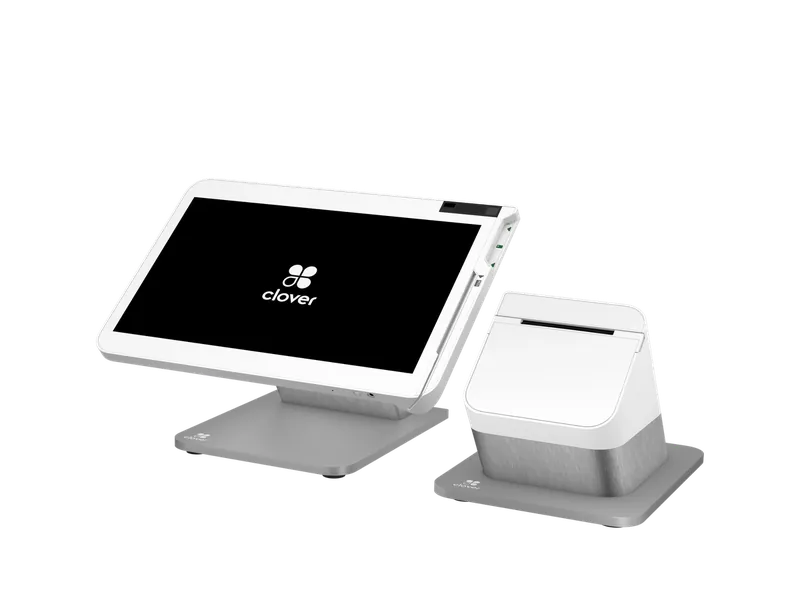
Full station
Clover Station Solo
A large merchant-facing POS for running the whole business.
Clover devices
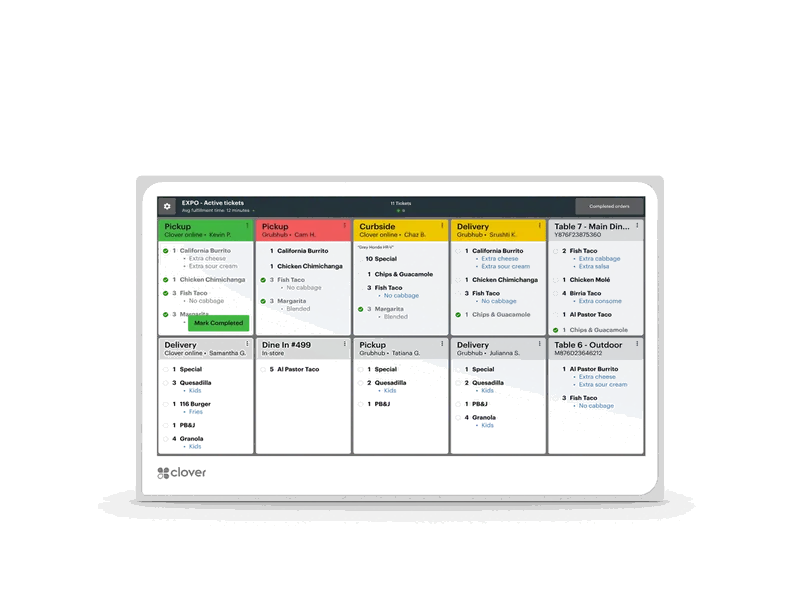
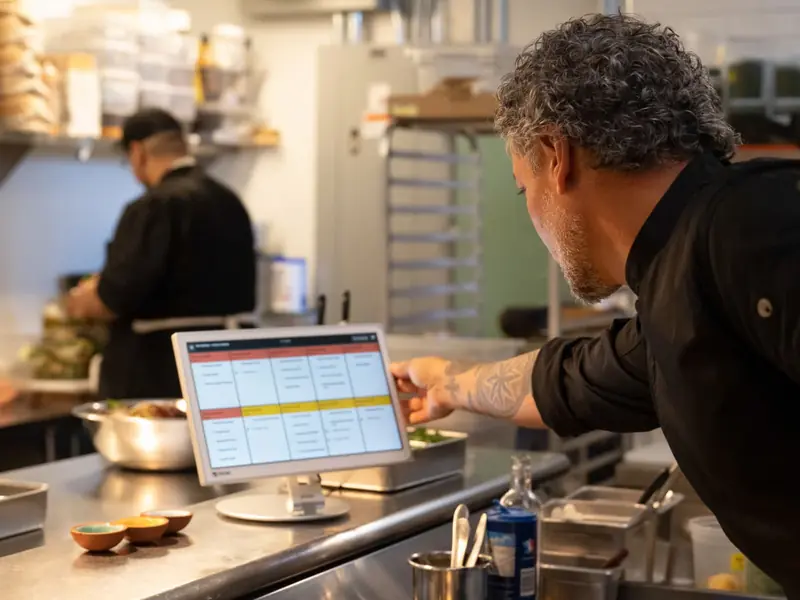
A kitchen screen that replaces paper tickets, so the line sees every order and bumps it when it is done.
Add to cart, place your order (nothing is charged until your account is approved), then complete the application. Devices ship after approval and payment.
Questions? Call (770) 629-0928
Registered ISO · Office in Newnan, Georgia · Serving businesses nationwide
Best for
| Sizes | 14" counter or wall; 24" overhead |
|---|---|
| Payments | None (kitchen orders only) |
| Connectivity | Wi-Fi, Ethernet (PoE+) |
| Extras | Optional bump bar; standard wall mounts |
| Plan | Needs a restaurant or register plan |
Specifications from Clover’s published technical specifications and Clover’s own sales sheets. Clover may update a device; we confirm the current model with your order.
What we set up
We quote the Clover Kitchen Display, the monthly Clover software plan and your card processing together, before you sign. Customers who pay cash in person can get 3.5% off for cash if the program fits your business.
Compare
The Kitchen Display takes no payments; it works with your Clover register. Full-service kitchens usually pair it with a Station Solo, and quick-serve kitchens with a Station Duo or Mini and sometimes a Kiosk.
| Feature | Clover Kitchen Display | Clover Station Solo | Clover Kiosk |
|---|---|---|---|
| Type | Kitchen screen | Full station | Self-order kiosk |
| Best for | Restaurants and quick-serve kitchens that lose tickets or want faster order flow | Full-service restaurants, retail and services that need a big screen for orders, inventory and reports | Quick-serve restaurants with lines at the counter that want customers to order and pay themselves |
| Screen | 14" counter or wall; 24" overhead | 14", tilting, 1920 x 1080 | 23.8" customer screen and an 8" payment screen |
| Printer | – | Built-in | Built-in, 80mm |
| Payments | None (kitchen orders only) | Chip and swipe; pair a Mini or Flex for tap and PIN | Through the built-in Mini: contactless, chip, swipe and debit PIN |
| Connectivity | Wi-Fi, Ethernet (PoE+) | Ethernet, Wi-Fi, 4G/LTE | Wi-Fi, Ethernet, LTE |
Full station
A large merchant-facing POS for running the whole business.
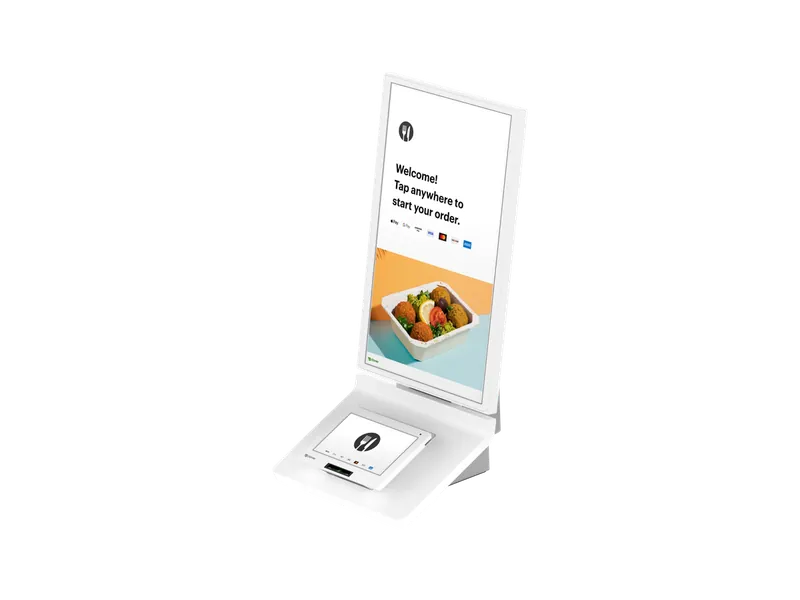
Self-order kiosk
A self-ordering kiosk with a built-in payment terminal.
FAQ
A kitchen printer prints a paper ticket. The Kitchen Display shows the ticket on a screen, where the line bumps items as they finish. Smaller kitchens often run fine on a printer; busier lines, or kitchens with several stations, tend to want the display.
The 14-inch screen fits a counter or a wall. The 24-inch screen hangs overhead where more of the line can read it. We look at your line and recommend sizes and positions.
It needs a Clover restaurant or register plan, and each display carries its own monthly fee. We include both in your quote, so you see the full monthly cost before you sign.
It connects by Wi-Fi or by Ethernet with PoE+. In a busy kitchen we look at the network on install day and recommend what is most reliable for your space.
Order the Kitchen Display online, or tell us how you sell and we will quote it with your plan and processing. Our team is based in Newnan, Georgia, and we work with businesses nationwide.
Add to cart, place your order (nothing is charged until your account is approved), then complete the application. Devices ship after approval and payment.
Approvals usually come back within hours, three days at most.
Book a call with our team