Which Clover?
Three questions, one recommendation
Answer three questions and we show the Clover that usually fits, from the fit chart our team uses. Nothing you pick is sent anywhere.
Which setup fits which business
A starting point: we adjust for your registers, printers and handhelds.
Not sure yet? We will match the devices for you.
Send a two-minute request. We recommend the devices for your counter and quote them with the Clover plan and your processing, before you sign.
- Send a two-minute requestWhat you need is already selected.
- Confirm your emailThen finish a short checklist.
- Get approvedUnderwriting reviews it and we keep you posted.
- Get set upWe install your Clover, test it and train your staff.
The lineup
Find the Clover that fits your counter.
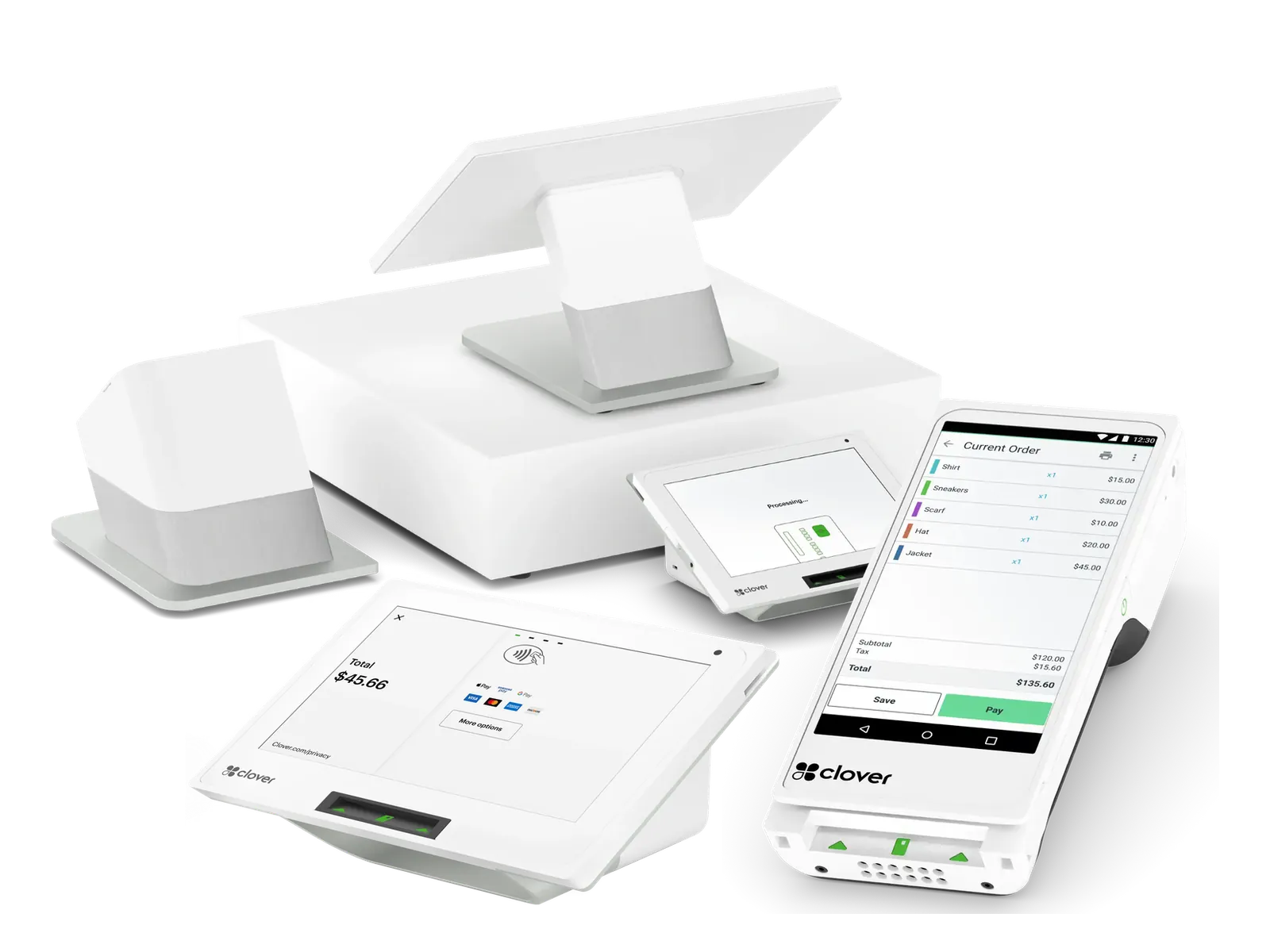
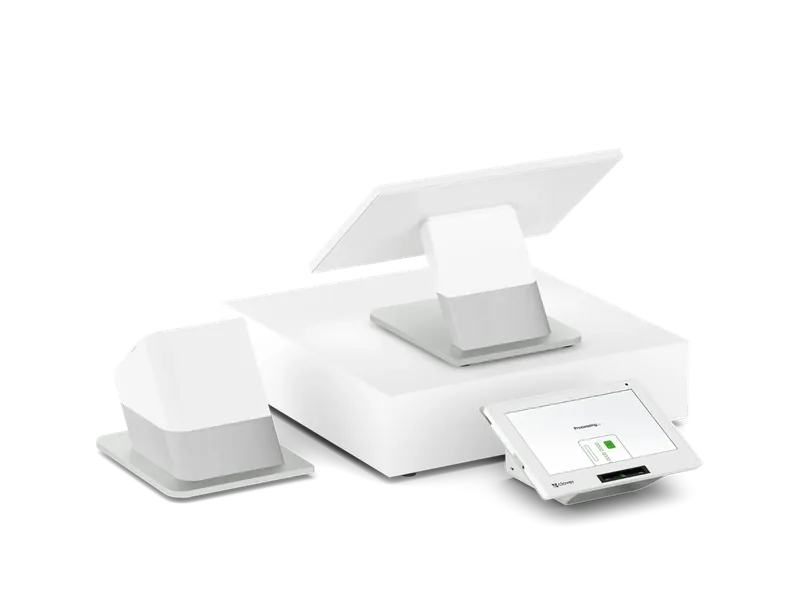
Dual-screen station
Busy counters, such as convenience stores, quick-serve and retail, where the customer pays and tips at the counter.
- 14" staff screen and 8" customer screen
- PIN entry and tipping on the customer screen
- Ethernet, Wi-Fi or 4G/LTE
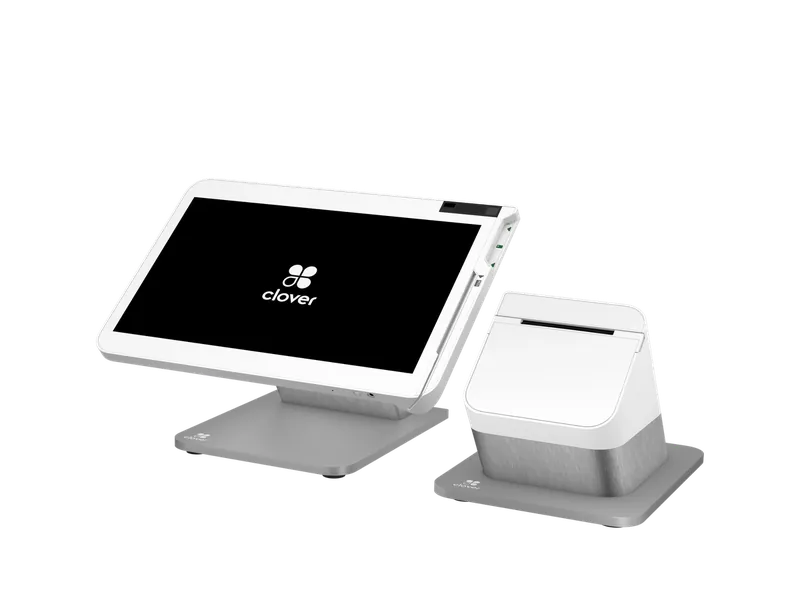
Full station
Full-service restaurants, retail and services that need a big screen for orders, inventory and reports.
- 14" tilting screen
- Built-in receipt printer
- Two cash drawer ports
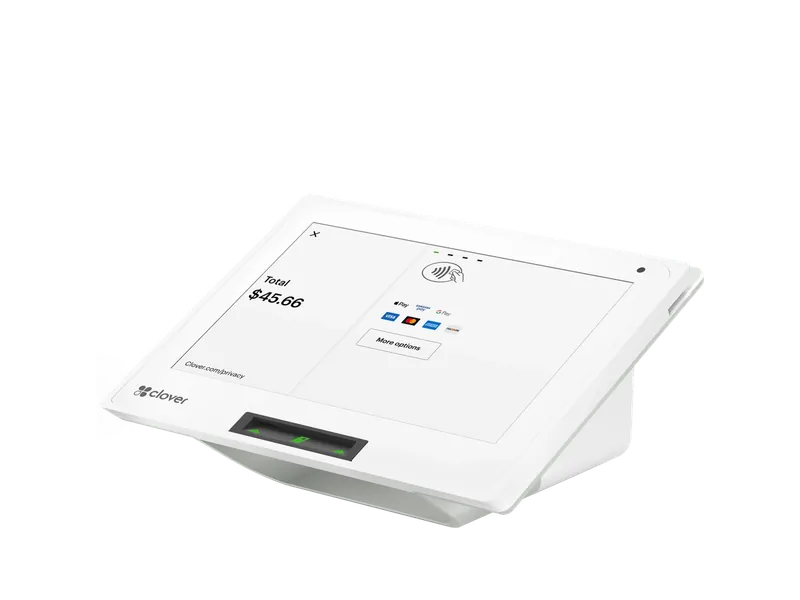
Countertop POS
Quick-serve, coffee, convenience, salons and small retail that want a real POS in a small footprint.
- 8" screen
- Built-in thermal printer
- Small footprint: 4.2" x 8.3" x 6.7"
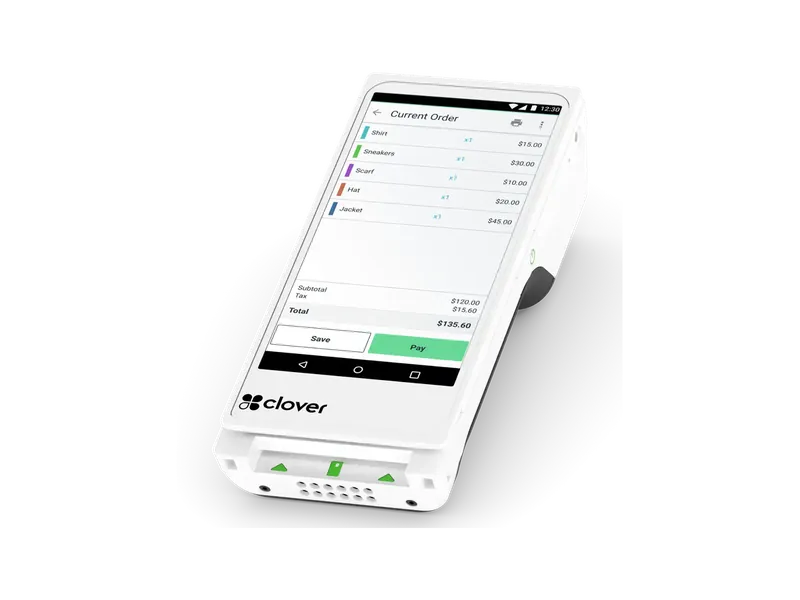
Handheld with printer
Tableside payment with a paper receipt, delivery, events, curbside and any business that sells on the move.
- 6" screen, handheld
- Built-in thermal printer
- 4G/LTE, Wi-Fi or Bluetooth
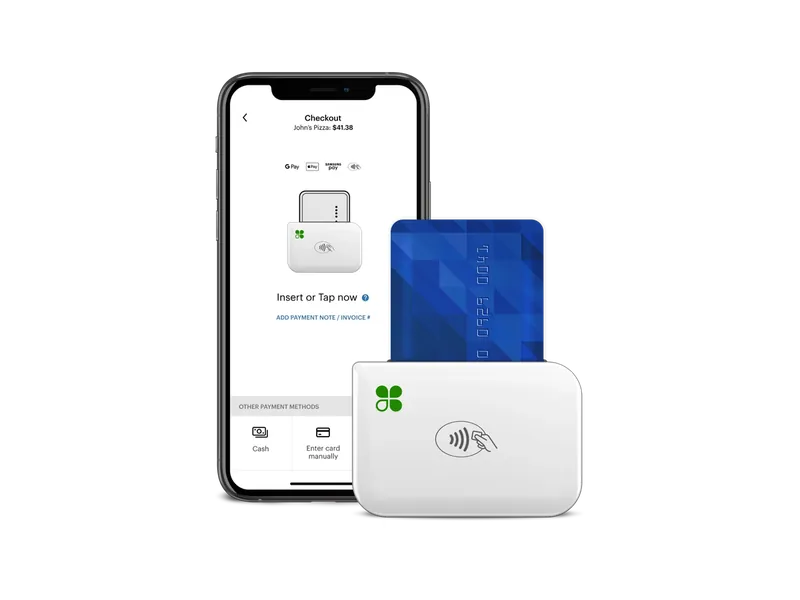
Mobile reader
Food trucks, markets, pop-ups, mobile services and anyone taking payments away from a counter.
- Pairs with your phone or tablet
- Chip, contactless and swipe
- About 130 to 160 transactions a charge
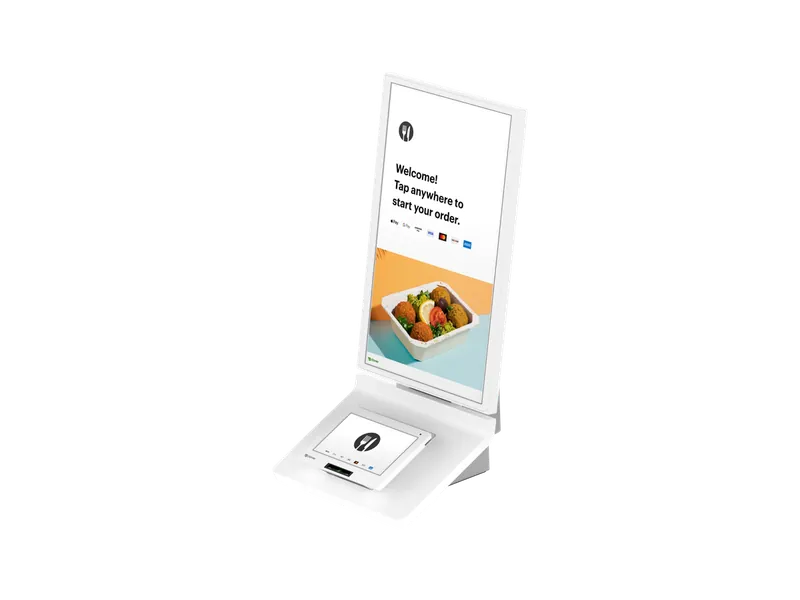
Self-order kiosk
Quick-serve restaurants with lines at the counter that want customers to order and pay themselves.
- 23.8" customer screen
- Built-in payment terminal and 80mm printer
- Menu pulls from your Clover POS
See Kiosk →Compare the lineup
Specifications from Clover’s published technical specifications and Clover’s own sales sheets. Clover may update a device; we confirm the current model with your order.
Add-ons and alternatives
For the kitchen, and for payments only
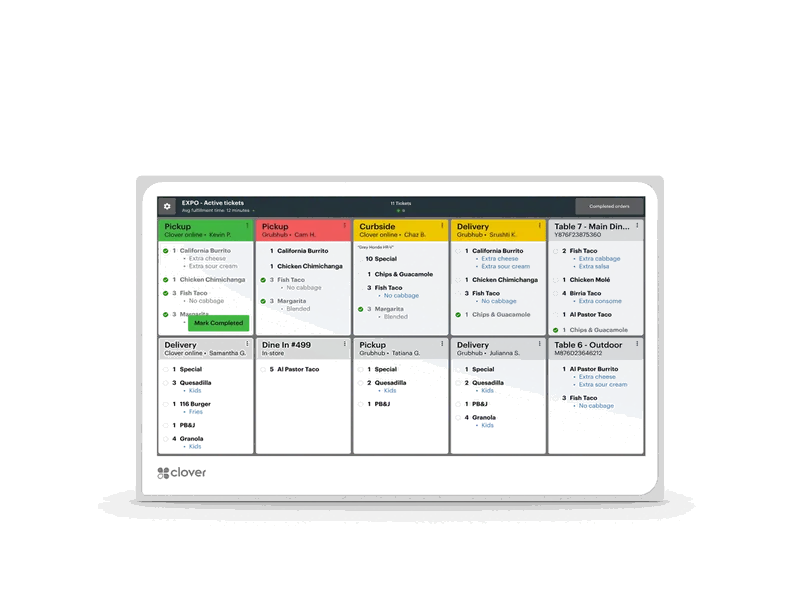
Kitchen screen
Restaurants and quick-serve kitchens that lose tickets or want faster order flow.
- 14" counter or wall, 24" overhead
- Wi-Fi or Ethernet (PoE+)
- Optional bump bar
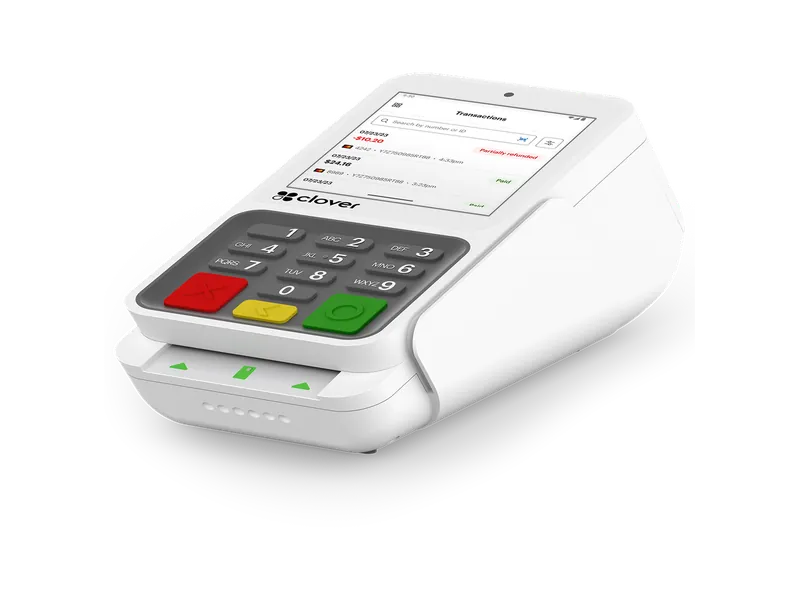
Small countertop terminal
Payments-only counters with little space. It is not a full POS: pick the Mini if you need menus or inventory.
- 3.6" screen
- Built-in 58mm printer
- PIN privacy shield
FAQ
Clover device questions
Which Clover is best for a small business?
For one counter, most small businesses start on a Clover Mini: a full POS with a printer in a small footprint. Busy counters where the customer pays facing a screen move to a Station Duo, and businesses that take payment on the move start with a Go or a Flex.
What is the difference between Clover Station Duo and Station Solo?
Both have a 14-inch staff screen. The Duo adds an 8-inch customer screen for tips and PIN entry; the Solo has one screen and pairs with a Mini or Flex for customer payments.
Clover Flex or Clover Mini?
The Mini stays on the counter. The Flex is a handheld with a printer that goes to the table, the chair, the bay or the curb. Many businesses run a Mini at the counter and a Flex on the floor.
Do all Clover devices take tap-to-pay?
The Mini, Flex, Go, Station Duo, Kiosk and Compact take contactless payments. The Station Solo takes chip and swipe and pairs with a Mini or Flex for tap and PIN.
How much do Clover devices cost?
We quote the devices, the monthly Clover plan and your processing together before you sign, because the total depends on your business. The pricing guide below explains each part.
Get your Clover set up right.
Tell us how you sell and we will recommend the Clover setup, quoted with your plan and processing. Our team is based in Newnan, Georgia, and we work with businesses nationwide.
- Call our team: (770) 629-0928
- Registered ISO; every account is subject to underwriting approval
- Based in Newnan, Georgia, serving merchants nationwide
- Card details go on the processor’s secure hosted forms; we never handle them