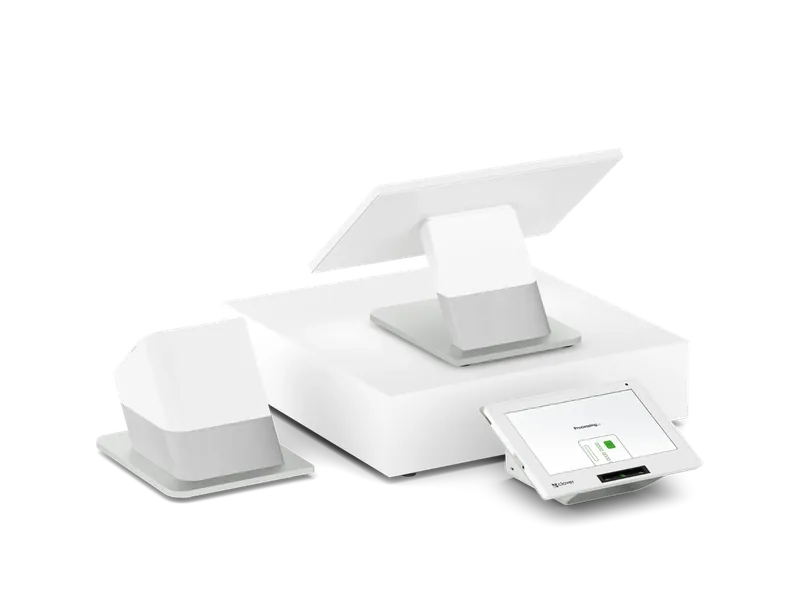
Dual-screen station
Clover Station Duo
The counter station with a customer-facing screen and a built-in camera for scanning barcodes; a handheld scanner can be added. The usual main register at a c-store counter.
Point of sale for convenience stores
Stratamize sets up Clover for convenience stores: a scanned catalog with age-restricted items flagged, EBT at the register and one fast checkout line.
About two minutes. Our team follows up.
What we set up
A convenience store register has to be fast and careful at the same time. The morning line wants coffee, a lottery ticket and a pack of cigarettes rung up without a pause; the state wants the ID checked, the EBT basket split correctly and the tobacco sale reported. Clover handles the speed; the careful part needs the right setup, sometimes an App Market app, and that is what most Clover pages skip.
Stratamize sets Clover up for convenience stores: the merchant account, the item catalog with age-restricted items flagged, EBT on the terminal, a scanner at the counter, low-stock alerts on the items you reorder every week, and training for every shift. We quote the pricing before you commit and stay on as the first call afterwards.
Where competitors have a point about Clover in a c-store, the answers below say so.
Where we set this up. Anywhere in the U.S., by phone: your devices are shipped to you ready to use and we train your staff on a call. In Coweta County and metro Atlanta our team installs on site, including Newnan and Sharpsburg. See all service areas.
Recommended devices
Which devices, and how many, depends on your counter and your floor. We adjust it with you before you commit to anything.
Dual-screen station
The counter station with a customer-facing screen and a built-in camera for scanning barcodes; a handheld scanner can be added. The usual main register at a c-store counter.
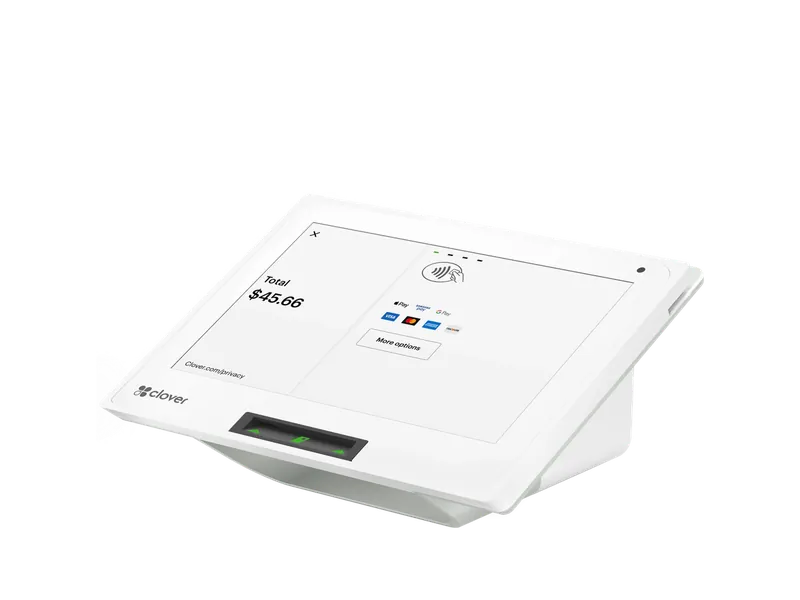
Countertop POS
A compact countertop unit for a second lane or a tight counter where a full station will not fit; a scanner can be added.
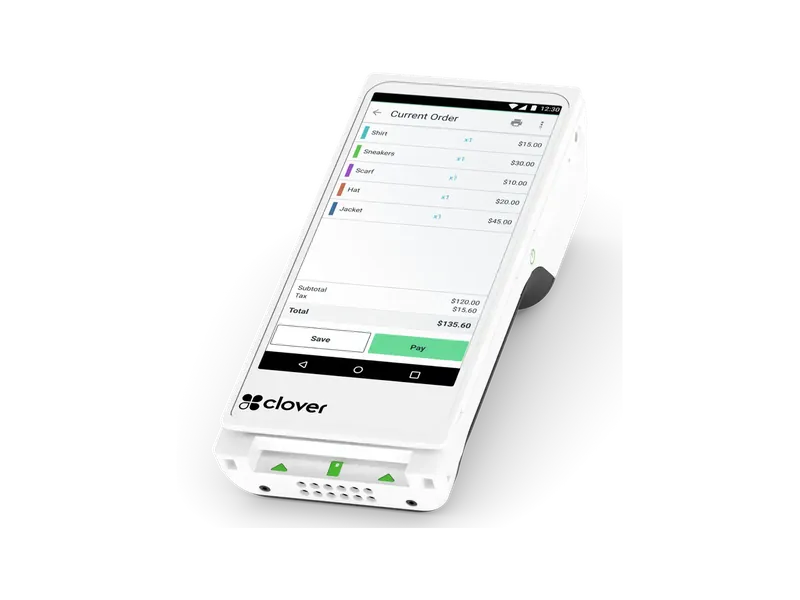
Handheld with printer
A handheld with a battery and built-in printer for curbside pickup, deliveries or line-busting at the morning rush.
How it works
Answer a few questions and confirm your email, then finish a short checklist. It asks for your business details, never your customers’ card numbers.
Underwriting reviews your merchant account, and we keep you posted until it is decided.
After approval we set up your Clover, test a live sale and a refund, and train your staff.
Both. Out of the box, Clover lets you flag items as age-restricted, so when a cashier rings a pack of cigarettes or a single beer the screen stops and asks them to confirm the customer's age before the sale goes through. That is a confirm prompt, not an ID scan: the cashier still reads the date of birth off the license.
If you want the ID barcode scanned and the age checked automatically, as some states require, that comes from an app on the Clover App Market; Thrive Convenience Store is one that adds it. Competitor posts saying Clover has no age verification are describing the scan, not the prompt. Tell us what your county and your insurer expect and we will set up the prompt, the app or both.
Yes. Clover supports EBT on the Station Duo, the Mini and the Flex. Clover's own documentation is clear about the limits: no cash back on an EBT purchase, no manual voucher processing and no manual card entry, so the card has to be present. You are responsible for marking which items are SNAP-eligible so the register splits a mixed basket correctly; we do that with you during setup. If the store is not yet authorized to accept SNAP, that is a federal step separate from the Clover setup; we tell you where it fits in your setup.
Lottery is not a built-in Clover feature, and the competitor pages that point this out are right. Your state lottery terminal is a separate machine whatever point of sale you run. The real question is how ticket sales, scratch-offs and payouts get recorded in Clover so the drawer balances at the end of the shift and lottery shows separately from merchandise on the reports. There are App Market apps aimed at exactly that. Tell us your state and how you reconcile lottery today, and we will show you the setup before you decide.
Scan-data reporting, the sales file tobacco manufacturers want in exchange for their rebate and promotion programs, is another thing Clover does not produce on its own. The path is an App Market app that pulls your tobacco sales and formats the report. Competitors call this a strike against Clover; the fair version is that it is an add-on with its own cost. If scan data is a real part of your margin, say so up front: which programs you are in and which app covers them is one of the first things we confirm with you before you sign for hardware.
Not the pumps. Clover does not control fuel dispensers. The only Clover-and-fuel setup we have seen documented is a custom software project, not something a store can buy off the shelf. If your location sells fuel, the inside store can run on Clover alongside a separate fuel system, and you will want to know how the two reconcile before you commit to either. If pump control is the deal-breaker, we will say Clover is the wrong fit for that site and tell you what to look at instead.
Barcode scanning, yes: a handheld scanner is an add-on for the Station Duo or the Mini, and the Station Duo can also scan with its built-in camera. Selling by weight is more conditional. Clover supports a compatible scale accessory, but scale integration is tied to the higher retail software tiers rather than the base plan, so the answer depends on which plan you are on. If you sell deli items, produce or anything by the pound, tell us before we quote the plan, and we check whether the scale you already own is supported.
Low-stock alerts and expiration tracking are native; Clover's own convenience store page leads with them. Case-pack inventory, where you buy a case and sell by the can or the pack, is where owners trip up. Breaking a case into sellable units and keeping both counts straight is not something the base inventory does on its own; it is what App Market inventory apps such as Thrive Convenience Store are for. Tell us how you receive and count stock, and we will show you the native setup and the app side by side.
Clover has an offline mode, one of the features Clover lists for convenience stores: the register keeps ringing sales and queues card payments to send once the connection comes back. That matters more for a c-store than for most businesses. We walk you through how the offline limits apply to your setup, which payment types queue and which do not, and what happens with EBT while the line is down.
Most of those warnings are about bundles sold online that lock you into a multi-year lease on the hardware. We do not work that way. We set your pricing with you and quote it before you commit: the processing rates, the software plan, the equipment options from the processing partner and any App Market apps you need for age scanning, lottery or scan data, so the add-ons are in the quote and not on the second statement. A cash discount, 3.5% off for cash, is available if your store runs a lot of cash. Apply and we quote the processing and the plan, with the equipment options from the processing partner.
After approval we build the item catalog with you, flag the age-restricted items, set up EBT and the scanner, install any apps you chose, get the hardware running and train every shift. Then our team is the first call. We are based in Newnan, Georgia, and work with convenience stores nationwide. In Coweta County and metro Atlanta we come on site; anywhere else, we support you by phone.
Sources
Clover details come from Clover’s own pages, as of the date shown. Clover may change them.
Point of sale
We match the devices to how you sell, set them up with your merchant account and train your staff.