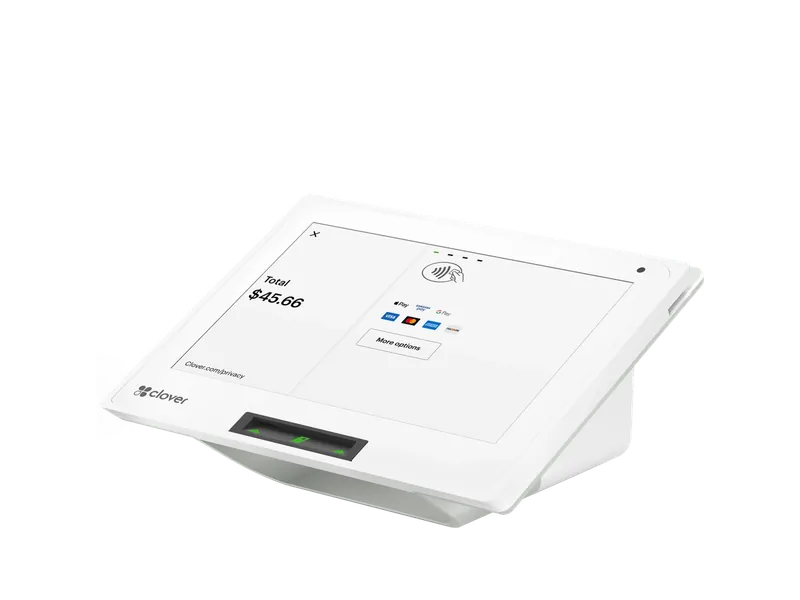
Countertop POS
Clover Mini
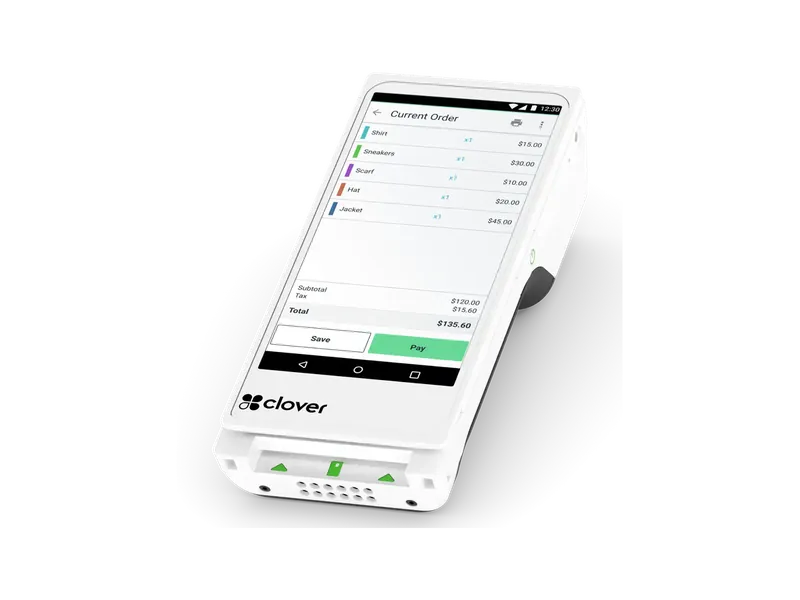
The counter register the fit chart starts on: compact, for a single counter, a pickup window or a second lane at lunch.
Point of sale for quick-service restaurants
Stratamize sets up Clover for quick-service restaurants: counter, kiosk, pickup window and online orders all landing in one kitchen queue, in the order they were paid.
About two minutes. Our team follows up.
What we set up
In a quick-service restaurant the guest pays first and the food follows. That changes what the register has to do. There are no open checks and no tables to manage; there is a line, an order number and a kitchen that needs every ticket in the order it was paid, whether it came from the counter, a kiosk, the pickup window or a phone.
Stratamize sets Clover up for that kind of service: the menu and its combos, the way your crew calls orders out, the kitchen routing, online ordering for pickup if you want it, the hardware at the counter and the merchant account it runs on. We build it around your busiest hour and train the crew before they have to use it in front of a line.
If your guests sit down and a server brings a check, the restaurant page is the better fit. Pizza shops, coffee shops and food trucks have their own pages too.
Where we set this up. Anywhere in the U.S., by phone: we ship your devices ready to use and train your staff on a call. In Coweta County and metro Atlanta our team installs on site, including Newnan and Carrollton. See all service areas.
Recommended devices
Which devices, and how many, depends on your counter and your floor. We adjust it with you before you buy anything.
Countertop POS
The counter register the fit chart starts on: compact, for a single counter, a pickup window or a second lane at lunch.
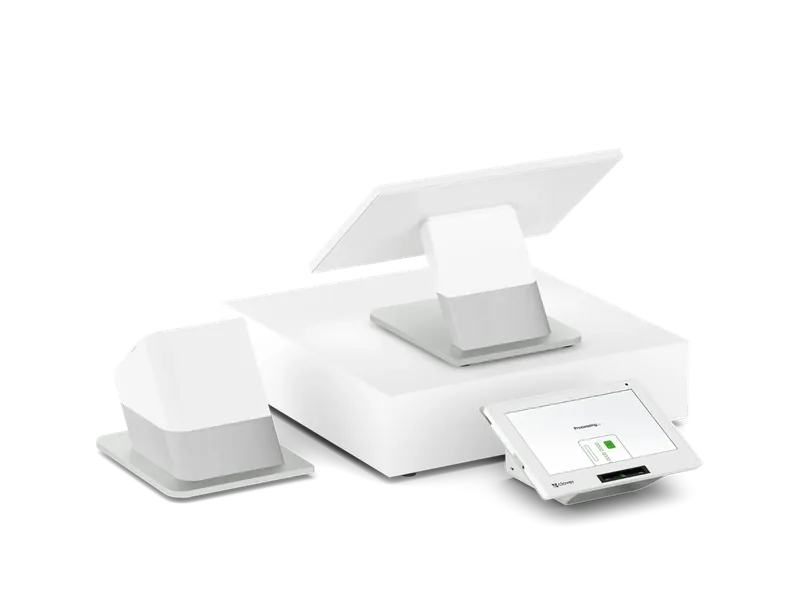
Dual-screen station
The step up when the line gets long: your crew rings the order while the guest confirms, tips and pays on a screen of their own.
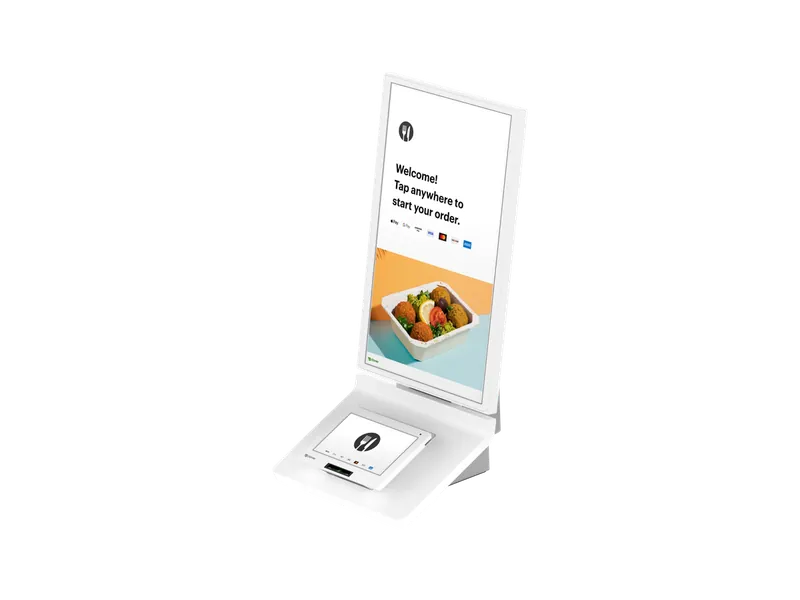
Self-order kiosk
A self-order screen that pulls its menu from your Clover system. For restaurants where the line is the bottleneck.
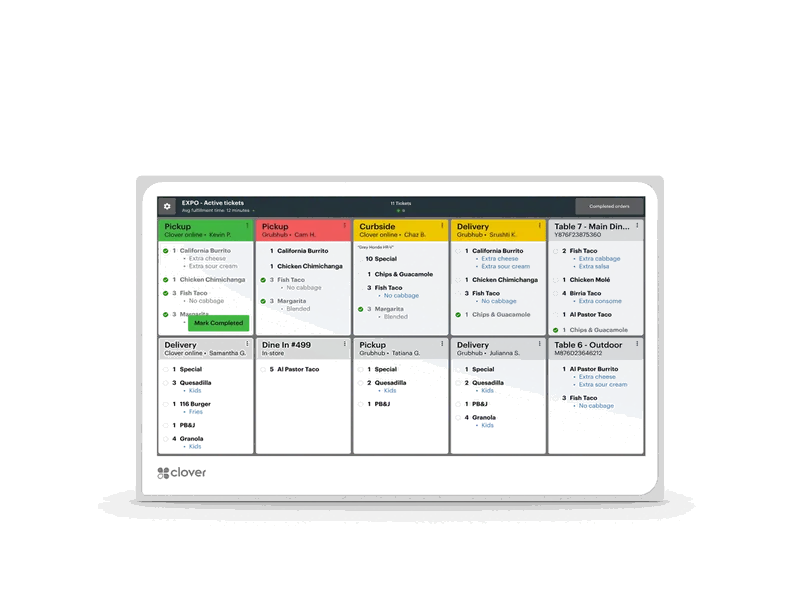
Kitchen screen
One queue on the line for counter, kiosk and online orders, in place of paper tickets.
Handheld with printer
The handheld for taking orders and payment down the line, on a patio or at the curb.
How it works
Answer a few questions and confirm your email, then finish a short checklist. It asks for your business details, never your customers’ card numbers.
Underwriting reviews your merchant account, and we keep you posted until it is decided.
After approval we set up your Clover, test a live sale and a refund, and train your staff.
The order of events. At a counter the guest orders, pays and then waits, so the register is built for speed at one point: few taps per item, combos that ring as one button, a tip prompt that does not hold up the line and a clear way to call the order out. A table-service setup spends its effort on open checks, floor plans, coursing and splitting a bill at the end.
Which Clover software plan you need is confirmed in your quote, not guessed from the sign on the door. Tell us how you serve, and we say so plainly if your place is somewhere in between, such as counter ordering with food run to tables.
Yes. Clover makes a self-order kiosk that it describes as pulling the menu directly from your Clover system, so items and prices stay in sync with the counter. Orders placed there show on the Kitchen Display or print in the kitchen the same way a counter order does. Clover lists three ways to place it: on the counter, on a wall or on a floor stand.
A kiosk earns its space when the line, not the kitchen, is what slows you down. If the kitchen is already at its limit at lunch, a second way to order only makes the wait longer. Tell us where your rush backs up and we will say whether a kiosk helps.
Clover has its own online ordering for pickup, which its quick-service page describes as commission-free, and the same page says it integrates with third-party delivery apps. Clover describes its Kitchen Display System as putting on-premise orders and third-party orders in one place, so the line cooks read one queue instead of a row of tablets. Which delivery services connect, and what each one charges you, is something we go through with you by name before anything is switched on.
The fit chart we use starts a quick-service counter on a Clover Mini and moves up to a Clover Station Duo when the line gets long. On the Duo your crew works the large screen while the guest confirms the order, tips and pays on a screen facing them; Clover's own quick-service page calls the Station Duo purpose-built for high-volume quick-service restaurants. A second Mini suits a pickup window or an extra register for the lunch rush.
From there it depends on your layout: a Kitchen Display on the line, a Clover Flex to take orders down the queue, and a kiosk if self-ordering fits. We size it to your floor, and we do not add a device you would not use.
Yes. A Clover Flex is a handheld that takes the order and the payment, so a crew member can work down the line during the rush and the tickets reach the kitchen before those guests would have reached the register. It also covers a patio or a curbside handoff. Whether one handheld is enough depends on how long your line gets; tell us your peak and we will size it.
Either works. A kitchen printer alone is enough when every order comes from one register and the line can keep up with paper. A Kitchen Display helps when orders arrive from more than one place at once, when the line needs to see how long each ticket has been waiting, or when paper tickets get lost at the pass. Clover offers the screen in two sizes and lists the software plans it requires on its Kitchen Display System page; we check that the plan we quote you covers it before you buy one.
Yes, for sales at the counter. The prices on your menu board are the card prices, and guests who pay cash get 3.5% off for cash. Credit and debit guests pay the posted price, and nothing is added at the register. It does not apply to online orders. We set up the program and the signs for your door and your counter.
After approval we build the menu and combos with you, set up the kitchen routing, connect online ordering if you want it, get the hardware running and train your crew. Before go-live we run a mock rush with your team: counter, kiosk and online orders arriving together, so the first real lunch is not the test.
Sources
Clover details come from Clover’s own pages, as of the date shown. Clover may change them.
Point of sale
We match the devices to how you sell, set them up with your merchant account and train your staff.
Approvals usually come back within hours, three days at most.
Book a call