
01
Service model
Counter, table, bar, pickup, or delivery
List every order source and handoff so the workflow can be evaluated end to end.

RESTAURANT + QUICK SERVICE
Restaurant fit depends on service style, order flow, menu complexity, modifiers, tips, kitchen handoff, payment devices, closeout, and the integrations already in use.
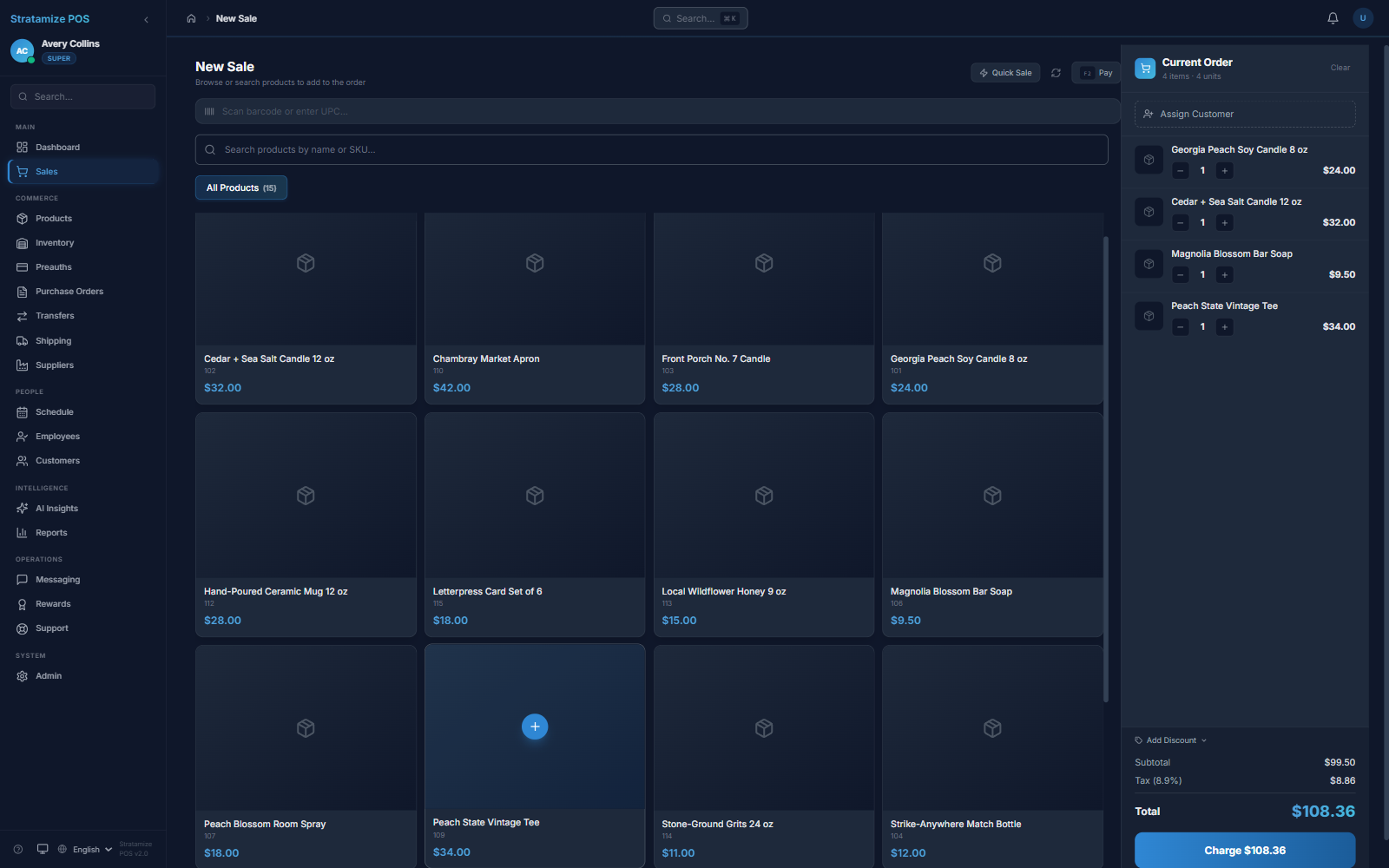
Representative workflow
The demo is the beginning of fit review, not proof that every restaurant requirement is already configured.
Test menu navigation, quantities, supported modifiers, customer context, and the speed of common orders.
Map the required receipt, kitchen, pickup, table, drive-through, or delivery workflow and any integrations.
Confirm terminal placement, tip behavior, split or tab requirements, refunds, permissions, and receipt flow.
Review register closeout, employee access, payment totals, reporting, and first-settlement checks.
Fit boundaries
Restaurant systems are configuration-heavy. We document dependencies instead of assuming a generic demo covers them.
Service model
List every order source and handoff so the workflow can be evaluated end to end.
Menu
Inspect menu structure and required controls before planning data import or configuration.
Integrations
Confirm current support and scope for each dependency in writing.